
Note: This article contains affiliate links. If you click on these links and make a purchase, we may earn a small commission at no extra cost to you. This helps support our research and content. Read our full affiliate disclosure here.
Choosing the right thermal label maker matters whether you are organizing a home office, labeling storage, or prepping shipping labels for a small business. A good thermal label maker speeds tasks with crisp, long-lasting prints and reliable connectivity so you do not waste time reprinting or troubleshooting. This guide shortlists the top thermal label makers across common use cases and evaluates them on print quality, speed, connectivity, and running cost. Read on to find the models that match how you label, from occasional household use to sustained light commercial printing.
Top Picks at a Glance
| Best Overall The best all-around choice for most situations | NULLTONEX Y813 Thermal Label Printer |  |
| Best Quality Built to a higher standard if you want something more solid | Rollo USB Shipping Label Printer X1038 |  |
| Best Value The sweet spot between price and what you get | SUPVAN T50M Pro Label Maker |  |
| Best Budget The cheapest option that still gets the job done reliably | NDYIN N12 Label Maker |  |
| Top Rated A top-rated pick with lots of positive feedback | NIIMBOT M2 Label Maker |  |
| Most Popular A crowd favorite that many people choose with confidence | Phomemo D30 Label Maker |  |
| Best Seller A high-volume bestseller chosen again and again | Nelko P21 Label Maker |  |
NULLTONEX Y813 Thermal Label Printer

| Printer Type | Thermal |
|---|---|
| Resolution | 203 x 203 dpi |
| Maximum Media Size | 4 x 6 inches |
| Connectivity | Bluetooth, USB, wireless |
| Print Speed | 72 labels/min |
The NULLTONEX Y813 is a direct‑thermal 4×6 label printer aimed at small businesses and high‑volume shipping tasks. It prints monochrome labels at 203 dpi using thermal media so there is no ink or toner to replace, and its rated speed (about 72 labels per minute) keeps batches moving during busy periods. Connectivity is flexible: Bluetooth for phone and tablet printing via the FlashLabel Pro app and USB for a steadier connection to laptops or PCs. The app includes many templates and offline storage so you can design labels without a constant cloud connection. Build quality is compact and durable with built‑in overheat protection for long runs, and the package includes starter labels and cables to get going quickly. Limitations are typical of direct thermal printers: prints are black only and thermal labels can fade over time if exposed to heat or sunlight, and advanced graphics will be limited by the 203 dpi resolution. Overall it is a practical, plug‑and‑print choice when reliable, fast shipping labels are the main need.
Best for: Buyers who need a fast, no‑fuss shipping label printer for regular small business or e‑commerce shipping and want both mobile and PC connectivity in a compact unit.
Less Ideal for: People who require color labels, archival print longevity, or very high‑resolution graphics should consider other printer technologies.
- Direct thermal printing eliminates ink and toner maintenance
- Bluetooth and USB connectivity for mobile and desktop workflows
- Compact, durable design with built‑in overheat protection for long runs
- Includes starter labels and necessary cables for quick setup
- FlashLabel Pro app with templates and offline storage for easy label design
- Prints in black only so no color labels
- Thermal labels can fade with heat or sunlight exposure
- 203 dpi limits fine detail and photo-quality printing
Verdict: A fast, compact direct‑thermal 4×6 printer ideal for small businesses that need reliable black‑and‑white shipping labels from both mobile devices and computers.
Rollo USB Shipping Label Printer X1038

| Printer Type | Thermal |
|---|---|
| Print Resolution | 203 x 203 DPI |
| Paper Size | 4 inch x 6 inches |
| Printer Connectivity Type | wired |
| Maximum Media Size | 4.1 Inch Width |
The Rollo USB Shipping Label Printer is a compact direct thermal printer built for high-volume shipping and label tasks. It connects over USB to Windows or Mac and prints standard 4×6 shipping labels, barcode labels, and custom stickers without ink or toner. Notable features include automatic label detection, a 203 DPI thermal print head for clear, scannable output, and a claimed print speed that can push about one 4×6 label per second, which suits fast packing lines or busy e-commerce desks. The unit accepts a range of label widths (about 1.57" to 4.1") and handles fan-fold or roll media with a 30-sheet output capacity noted for small batch runs. Setup is straightforward using vendor drivers and the Rollo Ship app for integrated shipping workflows. Limitations are its wired-only USB interface on this model and the lack of built-in networking or color printing, so remote or mobile printing requires a host computer or a different wireless model. For buyers who need simple, reliable black-and-white label output at speed, the Rollo delivers consistent, economical results because there is no ink to replace.
Best for: Buyers who prioritize fast, reliable black-and-white label production for shipping or e-commerce workflows and who will print from a dedicated PC or Mac.
Less Ideal for: Those who need wireless or mobile printing directly from phones or tablets, or who require color label output for branding purposes.
- Direct thermal printing so no ink or toner required
- Fast print speed suitable for high-volume shipping labels
- 203 DPI resolution produces clear, scannable barcodes
- Auto label detection supports common 4×6 and smaller label widths
- Simple USB setup with vendor drivers and Rollo Ship app integration
- No built-in Wi‑Fi or network connectivity on this USB model
- Print is monochrome only, not suitable for color labels
Verdict: Choose the Rollo USB X1038 if you need a fast, inkless 4×6 thermal printer that reliably churns out shipping and barcode labels from a Windows or Mac workstation.
SUPVAN T50M Pro Label Maker

| Printer Type | Thermal |
|---|---|
| Print Resolution | 203 dots_per_inch |
| Print media | Labels |
| Controller Type | Android / iOS |
| Printer Connectivity Type | USB |
The SUPVAN T50M Pro is a thermal, inkless label maker designed to produce monochrome labels from about 3/4" to 2" wide using SUPVAN T50M tapes and a companion mobile app. You design labels on Android or iOS (or from a PC), choose fonts, frames and icons, then send jobs over Bluetooth or USB-C for fast printing. The unit emphasizes image clarity and waterproof output, so it handles pantry tags, file labels, cable markers, address labels and simple barcodes or QR codes with legible results. It ships with a sample tape and charging cable and runs on low power while offering automatic label-size recognition to simplify setup. Limitations include monochrome-only printing and a maximum 203 dpi resolution, so it is not for high-color branding or fine photographic prints, and the device relies on proprietary SUPVAN tapes which adds ongoing media cost. For everyday organization and small-business labeling where durability and quick setup matter, it is a practical, straightforward choice.
Best for: Buyers who want a reliable, no-fuss label maker to organize home, office, school, or a small business and who prioritize durable, easy-to-design labels over color printing.
Less Ideal for: Those needing full-color labels, photo-quality prints, or a tape-agnostic machine for very high-volume commercial production should look elsewhere.
- App-driven editing with 30+ fonts and 660+ icons for flexible label design
- Thermal, inkless printing with waterproof labels for durable indoor use
- Supports multiple label shapes and automatic label-size recognition
- USB-C connectivity and low 10 W power consumption make setup and charging simple
- Monochrome output at 203 dpi limits color or fine photographic detail
- Depends on SUPVAN T50M proprietary tapes which adds ongoing media expense
Verdict: A practical, app-controlled thermal label maker that delivers durable monochrome labels quickly for home and small-business organization.
NDYIN N12 Label Maker
| Printer Type | Thermal |
|---|---|
| Printer Connectivity Type | Bluetooth |
| Resolution | 203 x 203 dpi |
| Built-In Media | 1×180 pre-cut white labels (14×40mm) |
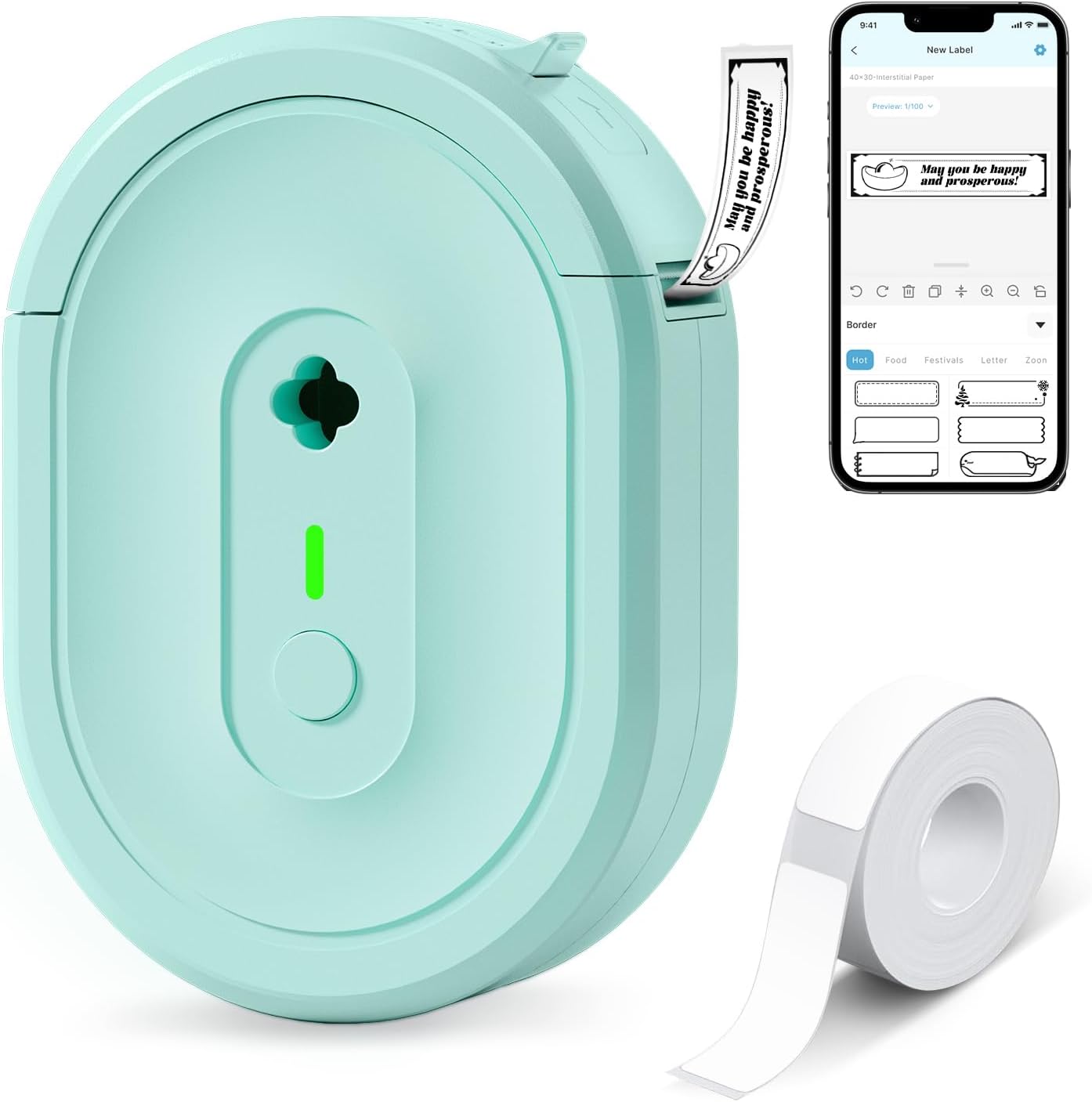
The NDYIN N12 is a small, battery-powered thermal label maker that connects to smartphones and tablets over Bluetooth and uses the free Nada Print app to design labels. It prints direct-thermal black text onto pre-cut or roll labels, so you never buy ink or ribbons, and the built-in rechargeable battery keeps it portable for home, school, or small-business tasks. The app supplies many fonts, frames, and symbols which makes creating spice jar tags, cable labels, price tags, or name labels quick and flexible. Print resolution is modest at 203 dpi, so detailed graphics or tiny fonts will look basic, but standard text and barcodes are clear. Setup and label loading are straightforward, and the unit ships with a starter roll of pre-cut labels and a charging cable. If you need full‑color printing, larger formats, or very high-resolution output this unit is not suitable, but for everyday organization and low-cost label printing it covers the essentials well.
Best for: Buyers who prioritize low ongoing cost and portable label printing for home, office, school or small retail tasks and want an easy smartphone-driven workflow.
Less Ideal for: Users who need high-resolution graphics, color labels, or wide-format professional printing should consider higher-end or color-capable printers instead.
- Direct thermal printing requires no ink, toner, or ribbons
- Bluetooth connection and companion app with many templates and symbols
- Compact, rechargeable and truly portable for spot labeling
- Includes starter pre-cut labels and charging cable for immediate use
- 203 dpi resolution limits fine-detail or photo-quality prints
- Prints only monochrome black text, no color printing
Verdict: Choose the N12 if you want an inexpensive, battery-powered Bluetooth thermal label maker that eliminates ink costs and handles everyday organizational labeling.
NIIMBOT M2 Label Maker

| Printer Type | Thermal |
|---|---|
| Maximum print Resolution Color | 300 x 300 dpi |
| Printer Connectivity Type | Bluetooth |
| Hardware Interface | USB |
| Maximum Media Size | 2inch |
The NIIMBOT M2 is a compact thermal transfer label printer aimed at small business and office use that produces high-resolution, long-lasting labels. It pairs via Bluetooth to the NIIMBOT app for on-phone design and also supports USB connection to a PC with driver installation for more advanced editing. The printer uses thermal transfer ribbons plus label rolls, which yields waterproof, oil-proof, fade-resistant labels that hold up in low-temperature or outdoor conditions and reduce the need to reprint. The built-in features—300 x 300 dpi resolution, automatic consumable recognition, automatic paper rewind, and templates including barcodes and QR codes—make batch and barcode labeling straightforward. Because it relies on ribbon consumables, you will need to buy replacement ribbons in the colors you want, and initial setup on Windows requires a driver download. The unit is rechargeable and portable, but it accepts only M2-series thermal transfer labels to ensure proper printing results.
Best for: Buyers who prioritize durable, long-lasting labels for business or outdoor applications and want a compact printer that integrates with a mobile app for quick label design.
Less Ideal for: Anyone who needs inexpensive, disposable thermal labels only or who prefers label printers that use widely available direct thermal tape without separate ribbons.
- Thermal transfer printing with 300 dpi for durable, water- and fade-resistant labels
- Bluetooth mobile app plus USB connection for PC editing
- Automatic consumable recognition and paper rewind to reduce waste
- Supports color ribbons for more visible or branded labels
- Includes a ribbon and a roll of 50×30mm labels out of the box
- Requires proprietary M2-series label rolls and ribbons
- PC use requires driver installation from the manufacturer
Verdict: Choose the NIIMBOT M2 when you need a small, mobile thermal transfer printer that makes crisp, waterproof labels built to last.
Phomemo D30 Label Maker

| Printer Type | Thermal |
|---|---|
| Printer Output Type | Monochrome |
| Controller Type | Android, iOS |
| Printer Connectivity Type | Bluetooth |
| Hardware Interface | Bluetooth 4.0, USB Type C |
The Phomemo D30 is a compact, rechargeable thermal label printer that pairs with the Print Master app to produce black-on-pattern or plain labels for home, school, and small-business use. You design labels on your phone or tablet and send them over Bluetooth 4.0; the app includes templates, icons, fonts, barcode and QR generation, and batch import for printing multiple tags. Because it is thermal, there is no ink or ribbon to replace, and the German print head promises improved clarity and faster processing compared with older pocket labelers. The machine accepts continuous and pre-cut D30 tapes and outputs a single label per run, which helps when you need one-off stickers for containers, cables, classroom cubbies, or price tags. Limitations include monochrome output only (color effects rely on patterned tapes) and a small media width suited to narrow labels rather than wide-format needs, so it is not a replacement for full-size label printers or heavy-duty industrial labeling.
Best for: Buyers who want a pocket-sized, app-driven labeler for everyday organization, classroom labeling, craft projects, or light small-business tags and value a large library of templates and easy Bluetooth printing.
Less Ideal for: Users who need full-color printing, wide-format labels, high-volume industrial tagging, or a standalone device that does not rely on a companion app should consider other options.
- Very portable and rechargeable for on-the-go labeling
- App-driven design tools with thousands of templates, icons, and font options
- Inkless thermal printing reduces consumable costs
- Supports continuous and pre-cut D30 tapes including patterned/color tapes for visual variety
- Bluetooth 4.0 plus USB-C hardware interface for easy connectivity and charging
- Prints only black text so you need patterned tapes for color effects
- Limited to narrow label media and single-label output per run
Verdict: Choose the Phomemo D30 if you want a lightweight, app-powered thermal label maker that delivers low-cost, sharp monochrome labels from your phone.
Nelko P21 Label Maker
| Printer Type | Thermal |
|---|---|
| Printer Output Type | Monochrome |
| Resolution | 203 x 203 DPI |
| Printer Connectivity Type | Bluetooth |
| Hardware Interface | USB Type C |
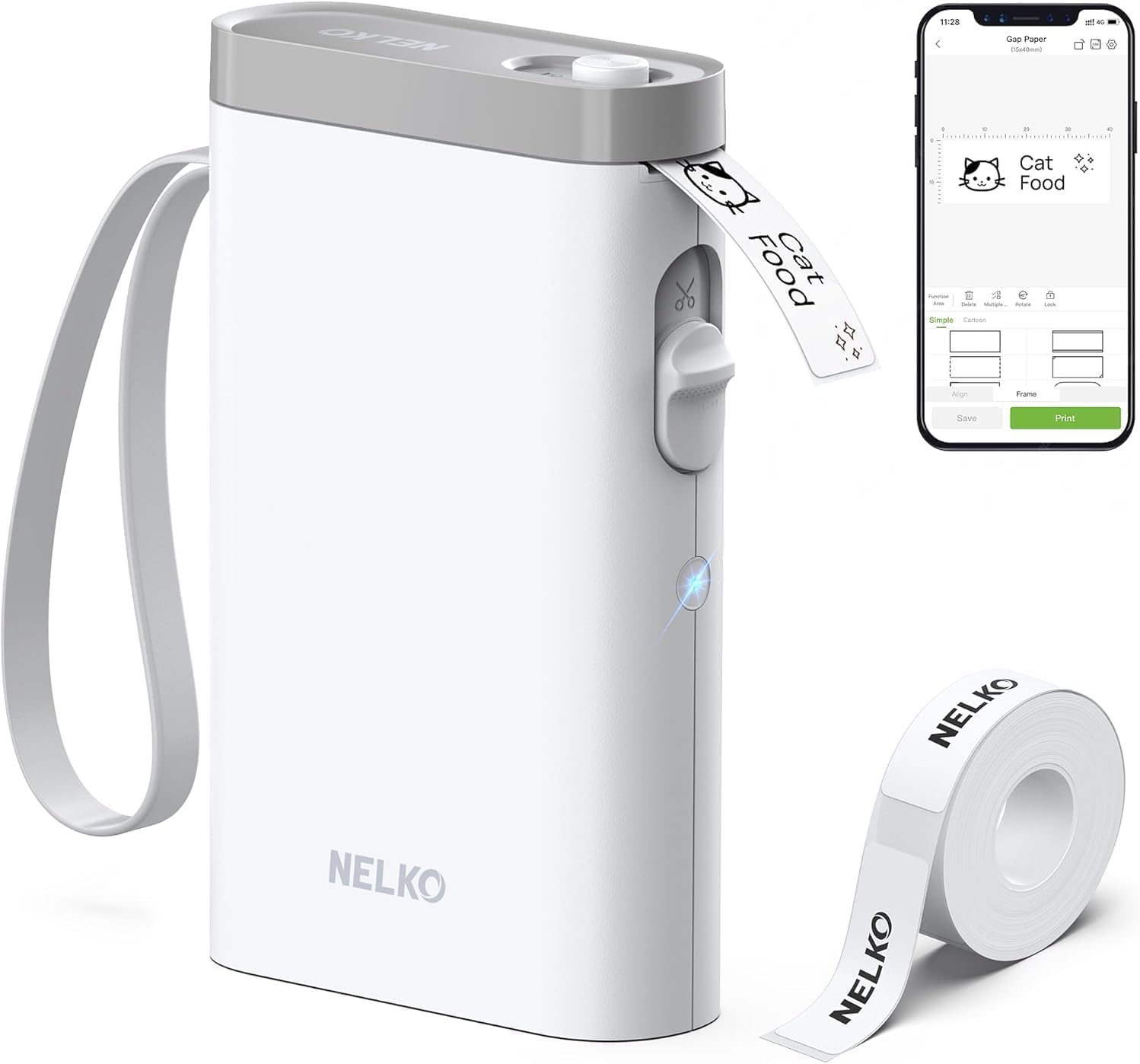
The Nelko P21 is a pocketable thermal label maker that connects to iOS and Android phones via Bluetooth and uses an app to design and print monochrome labels without ink. You load one of the supported thermal label rolls, pair the device in the Nelko app, pick a template or create custom text, barcodes, or QR codes, then tap print — the unit cuts the label automatically. At 203 DPI it produces clear, readable text and simple graphics, and the rechargeable battery and USB-C port make it convenient for mobile or classroom use. The app offers many templates, icons, borders, and materials which speeds up repetitive labeling tasks. Limitations to note are that it only prints in black, requires the Nelko app for Bluetooth pairing (iOS requires iOS 13+), and continuous label tapes are not supported, so flexibility with custom lengths is limited. It is best suited for tidy, everyday labeling rather than heavy-duty industrial or full-color work.
Best for: Buyers who want a simple, low-friction label solution for home, classroom, or small-business organization and prefer a reliable app-driven workflow over manual keyboards or PC software.
Less Ideal for: Users who need full-color labels, long continuous tape lengths, or an industrial labeler for heavy commercial printing should look elsewhere.
- Portable, lightweight design that is easy to carry and store.
- Inkless thermal printing at 203 DPI for clear monochrome labels.
- Bluetooth control with a feature-rich app offering templates, icons, and borders.
- Built-in cutter and USB-C rechargeable battery for convenient mobile use.
- Prints only in monochrome so no native color printing.
- Requires the Nelko app for pairing and design, and iOS needs version 13 or newer.
Verdict: A compact, app-driven thermal label maker that delivers crisp monochrome labels for everyday home, school, and small-business organization.
Choosing the Right Thermal Label Maker: Key Factors to Consider
Print Technology and Durability
Direct thermal printing uses heat-sensitive media and produces labels without ink or ribbons. That makes operation simpler and maintenance lower, but it also means labels are more sensitive to heat, sunlight, and certain chemicals. Consider how long labels need to last and whether they will be exposed to abrasion or outdoor conditions.
If you need longer-term resistance, look for thermal media with protective coatings or consider laminated options. Matching media grade to the application reduces reprinting and ensures identification remains legible over the intended lifespan.
Label Size and Roll Compatibility
Thermal label makers accept a range of label widths and roll diameters. Choosing a device that supports the sizes you use most often avoids wasted material and reduces the number of roll types to keep on hand. Smaller, desktop units typically handle office-oriented widths, while larger machines support wider shipping or barcode labels.
Also verify maximum roll diameter and core size to ensure compatibility with long rolls for high-volume tasks. If you plan varied label sizes, choose a device with flexible width settings and easy roll loading to switch between jobs quickly.
Connectivity and Workflow Integration
How the label maker connects to your devices affects convenience and where you can place it. Built-in USB and Bluetooth are common; Bluetooth lets you print from phones and tablets while USB or wired Ethernet suits fixed workstations. Some models offer companion apps with templates and barcode generation, which can speed repetitive tasks.
Consider whether you need mobile printing or integration with inventory systems. If you generate labels from spreadsheets or point-of-sale software, check that the device supports the right interfaces or standard label formats to minimize manual formatting.
Print Speed and Jam Resistance
Print speed matters when you are producing dozens or hundreds of labels. Faster devices reduce bottlenecks, but feed and cutter design determine real-world throughput. Look for mechanisms with reliable cutters or tear-off points and a reputation for smooth feeding to avoid jams that slow operations.
For moderate-volume settings, balance speed with accuracy; fast printing that misaligns or misfeeds labels can increase wasted media. If you anticipate intermittent high-volume days, choose a model built to handle bursts without overheating.
Consumable Cost and Availability
Direct thermal labels vary in price by material, size, and finish. Consumable cost becomes significant over time, especially for businesses printing regularly. Check the availability of standard roll sizes and whether third-party media are compatible to keep running costs manageable.
Also evaluate media packaging and how rolls are sold; bulk options can reduce per-label cost. Confirm that specialty labels you might need, such as weatherproof or removable options, are offered for the device to avoid workarounds.
Ease of Setup and User Interface
A clear setup process and intuitive controls reduce downtime and training. Devices with straightforward roll loading, visible status indicators, and a responsive app or onboard keypad make label creation faster. Look for models with built-in templates and common barcode support to avoid manual adjustments.
For shared environments, consider models with simple user switching or profile saving. If non-technical people will operate the device, favor devices that keep advanced settings behind optional menus to avoid accidental misconfiguration.
Common Use Cases and Recommended Features
Different labeling tasks place different demands on a thermal label maker. For home organization and occasional shipping, prioritize compact size, quiet operation, and easy-to-find tape widths. For light commercial pickup or e-commerce fulfillment, focus on wider label support, faster print speeds, and reliable cutters. For inventory or asset tagging, barcode printing, durable media compatibility, and straightforward integration with inventory spreadsheets matter most.
- Household and office: small-footprint units, simple app templates, narrow labels.
- Shipping and fulfillment: wider width support, robust feed, and cutter options.
- Inventory and asset tracking: barcode generation, lasting media, and integration capabilities.
Label Media Types and When to Use Them
Thermal label media comes in plain paper, semi-gloss, synthetic, and specialty finishes designed for resistance to moisture, chemicals, or UV exposure. Plain direct thermal paper is cost effective for short-term indoor use, while synthetic or laminated thermal media lasts longer outdoors or in warehouses.
Choosing the right media reduces reprint frequency. If you need labels that survive handling or mild exposure, select thermal synthetic or coated papers. For removable labeling, look for media with pressure-sensitive adhesives formulated to peel cleanly without residue.
- Direct thermal paper: best for short-term indoor use.
- Coated and synthetic: for moisture and abrasion resistance.
- Removable adhesives: for temporary identification.
Integrating Label Makers Into Existing Workflows
Adding a thermal label maker to an existing workflow often means matching interfaces and file formats. If you create labels from spreadsheets, choose a device or app that supports CSV import and templating to automate repetitive fields. For barcode-driven workflows, confirm support for common barcode symbologies used in your system.
Consider placement and power: a networked label maker near packing stations reduces transit time for printed labels. For mobile teams, Bluetooth-capable units paired with tablet or phone apps enable on-the-spot printing and fewer handoffs.
- Spreadsheet and CSV support speeds batch label creation.
- Barcode symbology support ensures compatibility with scanners.
- Networked placement reduces manual label transport.
Maintenance and Best Practices
Keep the print head and feed path clean to prevent streaks, misprints, and jams. Use manufacturer-recommended cleaning supplies or a gentle isopropyl wipe on cooled-down components. Replace worn cutters or feed rollers as recommended to maintain consistent label edges and alignment.
Store unused rolls away from direct sunlight and high heat to preserve thermal sensitivity. Rotate stock to use older rolls first and avoid media that has been exposed to extreme conditions, which can cause fading or inconsistent printing.
- Regularly clean print head and feed path.
- Replace worn mechanical parts on schedule.
- Store media in cool, dark conditions and rotate stock.
How We Chose the Best Thermal Label Maker
We focused on features and performance that directly affect day-to-day labeling tasks. Our shortlist prioritized consistent print quality, measured by sharpness and longevity of prints, and connectivity options that match modern workflows, such as USB, Bluetooth, and compatible mobile apps. We considered print speed and feed reliability, since jams or slow output add operational friction. Consumable availability and cost were evaluated to estimate ongoing ownership expense. Ease of use was assessed through setup simplicity, label template flexibility, and keypad or app-driven workflow. Durability and build quality were weighed for devices expected to see frequent handling. We excluded units that rely on indirect thermal transfer ribbons rather than direct thermal technology, models with unclear consumable availability, and devices intended strictly for industrial heavy-duty applications. The final picks represent devices that balance reliable daily performance with accessible supplies and straightforward setup. The scoring criteria reflect these priorities and guided selection without referencing specific brands or models.
Our full evaluation process is outlined in our review methodology.
FAQ
Can thermal label makers print barcodes for inventory?
Yes, many thermal label makers can generate common barcode formats. Check that the device supports the specific symbologies you use, and that the companion app or firmware allows barcode sizing and quiet zone adjustments for reliable scanning.
How long do direct thermal labels last?
Direct thermal labels typically last months to a few years depending on exposure to heat, light, and abrasion. For longer durability, use coated or synthetic thermal media designed for outdoor or heavy-use conditions.
Do I need special software to design labels?
Not always. Many devices include companion apps or built-in templates for common tasks, and some accept simple CSV imports. If you require advanced layouts, check for compatibility with third-party label design software or export formats like PNG or ZPL.
Are consumables for thermal label makers expensive?
Consumable cost varies by material and size. Plain thermal paper is relatively inexpensive, while synthetic or specialty labels cost more. Buying standard sizes and checking third-party media compatibility often lowers per-label cost.
Can I print from a phone or tablet?
Often yes. Models with Bluetooth and companion mobile apps enable printing from phones and tablets. Make sure the app supports the templates and data sources you need for a smooth mobile workflow.
Final Verdict
Focus on the features that align with how and where you will print. Prioritize print clarity and media compatibility if labels must last or withstand handling. If you print frequently, connectivity options and consumable availability matter more than small differences in speed. For occasional household use, compact size and ease of setup usually outweigh advanced integration features. Choose a thermal label maker that balances durable output, straightforward operation, and consumable access for the best long-term experience.