
Note: This article contains affiliate links. If you click on these links and make a purchase, we may earn a small commission at no extra cost to you. This helps support our research and content. Read our full affiliate disclosure here.
A wireless video doorbell can be one of the most useful upgrades for a home entry, giving you live view, motion alerts, and recorded clips without running new wiring. Picking the right model matters because video resolution, night performance, and how it alerts you will determine whether you actually notice and respond to activity at your door. This guide shortlists the top wireless video doorbells across common home setups, focusing on units that deliver dependable video, sensible installation options, and practical smart features. Below you will find the picks and a clear explanation of the evaluation criteria we used to vet them, so you can pick the one that fits your doorway and priorities. Read on for the features and tradeoffs that matter most.
Top Picks at a Glance
| Best Quality Built to a higher standard if you want something more solid | eufy Security Video Doorbell E340 |  |
| Best Value The sweet spot between price and what you get | BOIFUN 2K Video Doorbell | 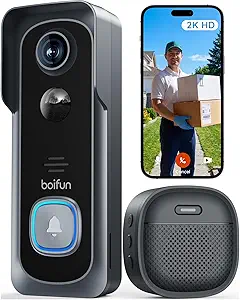 |
| Best Budget The cheapest option that still gets the job done reliably | Lunelyx 1080P Doorbell Camera |  |
| Top Rated A top-rated pick with lots of positive feedback | Tapo 2K Wireless Video Doorbell D210 |  |
| Most Popular A crowd favorite that many people choose with confidence | Ring Battery Doorbell |  |
| Best Seller A high-volume bestseller chosen again and again | Ring Battery Doorbell 2K |  |
eufy Security Video Doorbell E340

| Video Capture Resolution | 2k |
|---|---|
| Viewing Angle | 160 degrees |
| Power Source | Battery Powered |
| Battery Power | 6500 milliamp_hours |
| Night Vision Range | 16 feet |
The eufy E340 is a performance-focused wireless video doorbell that combines a front-facing 2K camera with a downward-facing secondary camera to deliver a head-to-toe view of your entryway. It records in MPEG-4 to onboard 8GB eMMC storage so you can keep footage locally without a subscription, and it supports 2.4 GHz Wi-Fi and two-way talk through the eufy Security app. The dual-light system and color night vision provide clearer night clips up to about 16 feet, while the 160 degree field of view captures wide scenes including packages on the ground. The included 6500 mAh rechargeable battery pack and option for wired power give flexible installation and longer runtime, and the extra battery in this bundle helps avoid downtime during charging. Limitations to note are 2.4 GHz-only Wi-Fi support and no Apple HomeKit compatibility, so smart home integration is strongest with Alexa and Google Assistant. For buyers wanting detailed daytime and nighttime footage with local storage and minimal monthly cost, the E340 delivers solid real-world performance.
Best for: A buyer who prioritizes clear, detailed video and reliable local recording without recurring fees and who wants flexible battery-or-wired installation for outdoor door monitoring.
Less Ideal for: Users who need 5 GHz Wi-Fi support or deep integration with Apple HomeKit should look at alternatives that explicitly support those features.
- Dual-camera setup for head-to-toe coverage and better package detection
- 2K video resolution with wide 160° field of view for clearer identification
- Color night vision with dual-light system for improved low-light detail
- Local 8GB eMMC storage eliminates mandatory subscription fees
- Removable 6500 mAh battery plus optional wired power for flexible installation
- Supports only 2.4 GHz Wi-Fi and not 5 GHz
- Does not support Apple HomeKit integration
Verdict: Choose the E340 if you want subscription-free, high-resolution daytime and color night video with head-to-toe coverage and flexible battery or wired installation.
BOIFUN 2K Video Doorbell
| Video Capture Resolution | 2k |
|---|---|
| Viewing Angle | 166 degrees |
| Battery Power | 5200 milliamp_hours |
| Connectivity Protocol | 2.4 GHz Wi‑Fi Only |
| Waterproof Rating | IP65 |
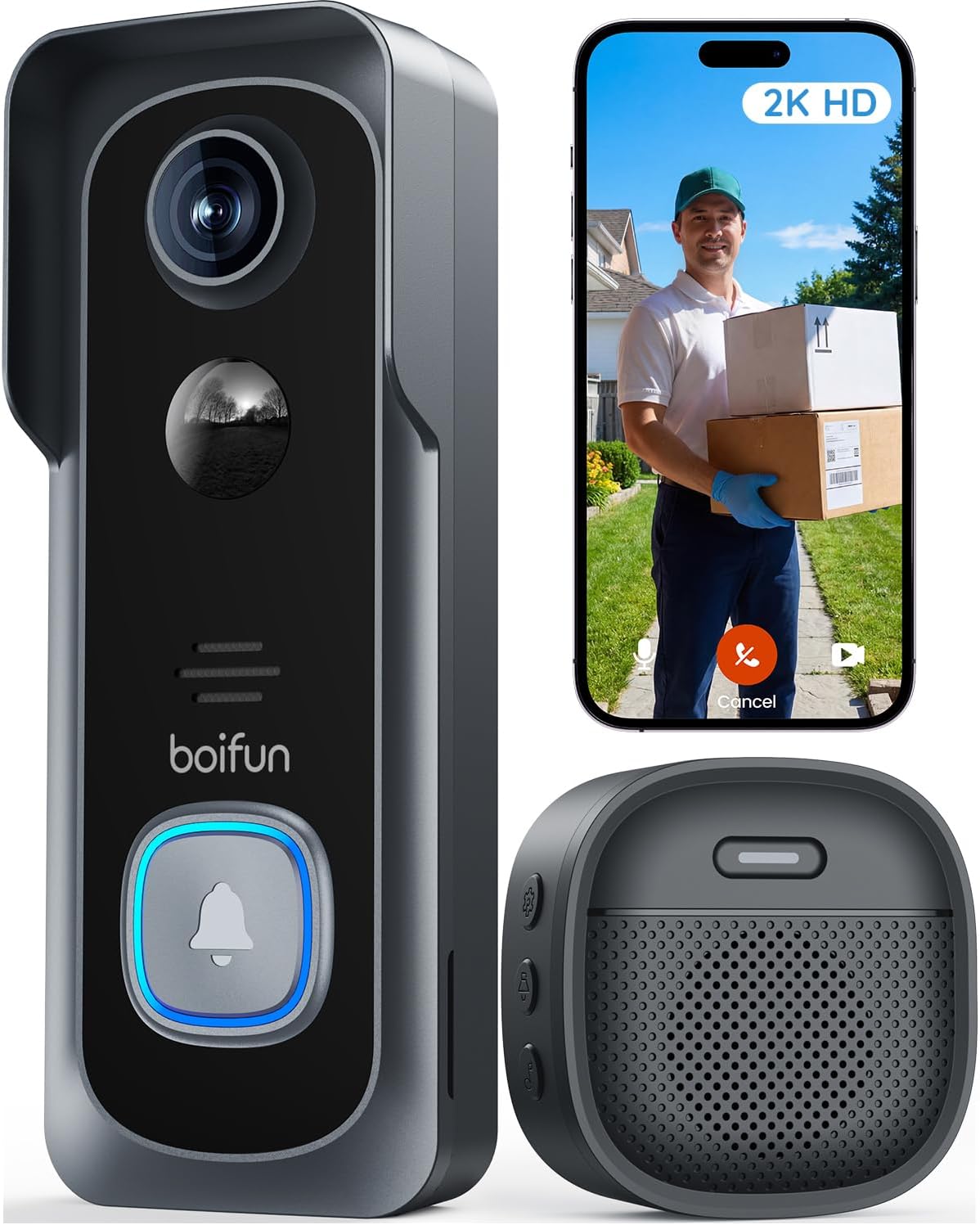
The BOIFUN 2K Video Doorbell is a battery-powered wireless doorbell camera meant for monitoring a front door with minimal fuss. It records 2K video with a wide 166 degree field of view and HDR night vision so faces and packages are usually clear both day and night, and the built-in microphone and speaker let you speak to visitors from the companion app. It supports local microSD storage up to 128 GB and optional cloud plans for longer retention, and the unit is IP65 weatherproof for outdoor use. Setup is straightforward on 2.4 GHz Wi‑Fi and it offers human-detection motion alerts to reduce false notifications, but heavy Live View use and frequent triggers will shorten the battery life since the 5200 mAh cell is non-removable. The doorbell also includes tamper alerts and multi-user sharing for household access. If you want a no-subscription core experience with clear video and easy local storage, this model covers those bases, though plan for periodic recharging if your front porch sees a lot of activity.
Best for: Buyers who want a practical, no-frills wireless doorbell that emphasizes clear video, local storage options, and minimal ongoing costs for everyday front-door monitoring.
Less Ideal for: People who need continuous wired power or who rely on 5 GHz-only Wi‑Fi networks should look for a hardwired or dual-band alternative.
- 2K resolution with 166° wide field of view for clear coverage of a porch
- HDR night vision and invisible 940 nm IR for color-capable nighttime imaging
- Built-in human detection and motion alerts reduce false notifications
- Supports local microSD storage up to 128 GB plus optional cloud backup
- IP65 weatherproofing and tamper alerts for outdoor reliability and security
- Uses 2.4 GHz Wi‑Fi only, so it will not connect to 5 GHz networks
- Battery is built-in and non-removable so high-activity installs require frequent recharging
Verdict: A straightforward, subscription-free 2K battery doorbell that delivers wide, clear coverage and local storage for buyers focused on practical, low-cost home monitoring.
Lunelyx 1080P Doorbell Camera
| Video Capture Resolution | 1080p |
|---|---|
| Connectivity Protocol | Wi-Fi (2.4GHz) |
| Power Source | Battery Powered |
| Other Special Features | 2-Way Audio, Motion Sensor, Night Vision |
| Video Capture Format | H.264 |
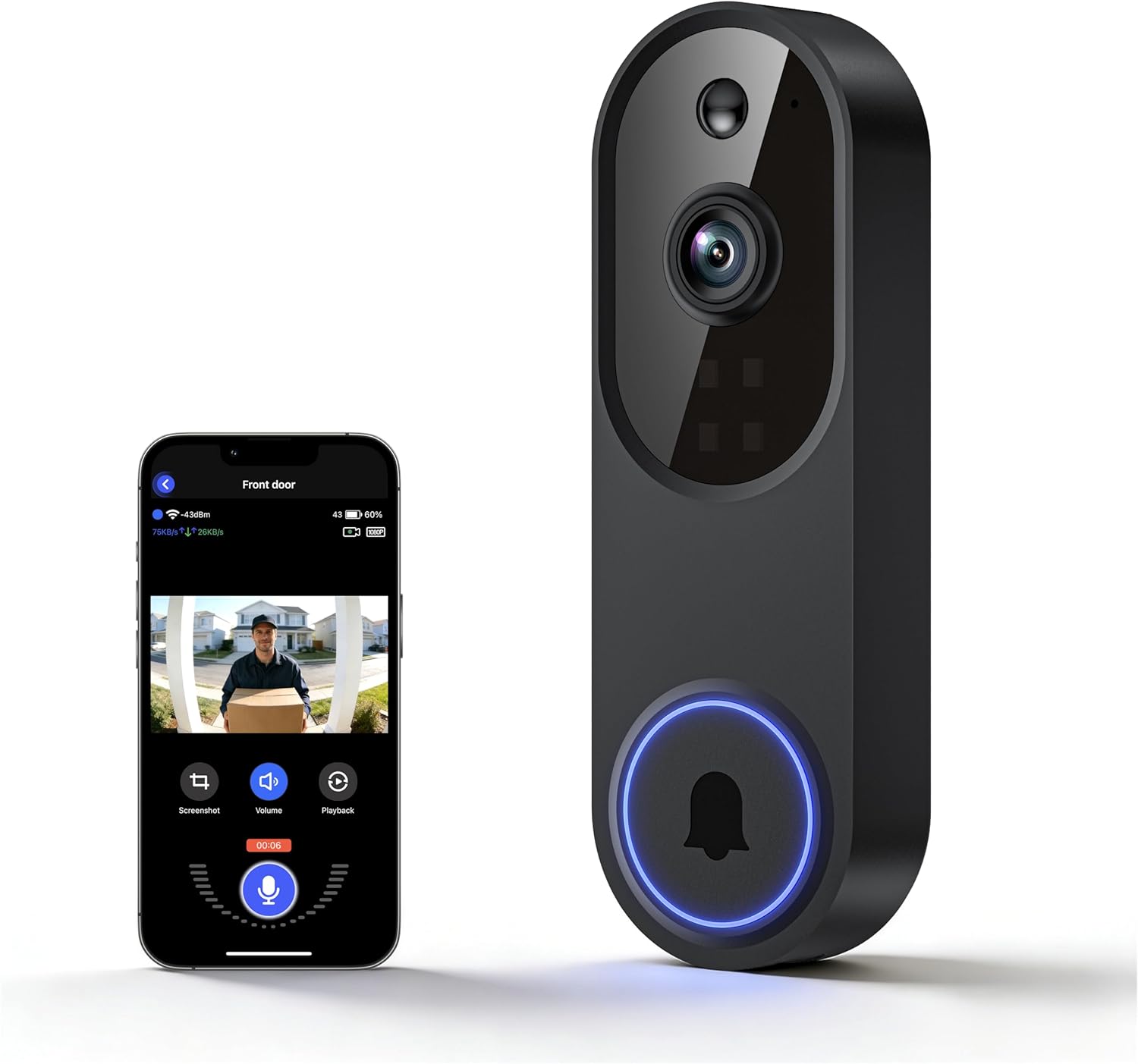
The Lunelyx 1080P Doorbell Camera is a budget-friendly battery-powered video doorbell aimed at basic home surveillance. It records 1080p H.264 video, uses AI to prioritize human detection over pets or cars, and sends instant motion and doorbell alerts to your smartphone over 2.4GHz Wi‑Fi. Four IR LEDs and an IR sensor provide usable night vision, and two-way audio lets you speak with visitors from anywhere. Setup is straightforward for typical doorbell placements and it mounts to a wall bracket, but it only supports 2.4GHz networks so households using 5GHz-only routers will need to add a 2.4GHz network or extender. Cloud storage is optional and encrypted, which is convenient but costs extra. For everyday monitoring and remote interaction without a large upfront spend, this doorbell covers the essentials, though power-hungry usage or heavy recording will increase how often the battery needs charging or replacement.
Best for: Buyers wanting an inexpensive, self-installed wireless doorbell that covers basic daytime and nighttime monitoring and alerts without running wires.
Less Ideal for: Homes that rely exclusively on 5GHz Wi‑Fi or users who need continuous local recording without paying for cloud storage should look elsewhere.
- 1080p video with H.264 encoding for clear daytime footage and efficient file sizes
- AI human detection reduces false motion alerts from pets and cars
- Battery powered for flexible installation without wiring
- Infrared night vision with four IR LEDs for usable low-light monitoring
- Real-time two-way audio for remote communication with visitors
- Supports only 2.4GHz Wi‑Fi, no 5GHz compatibility
- Encrypted cloud storage is optional and requires a paid plan
Verdict: A no-frills, affordable wireless doorbell that delivers 1080p video, AI human detection, night vision, and two-way talk for buyers prioritizing low upfront cost and easy installation.
Tapo 2K Wireless Video Doorbell D210

| Video Capture Resolution | 2k |
|---|---|
| Viewing Angle | 160 degrees |
| Power Source | Battery Powered |
| Waterproof Rating | IP65 |
| Memory Storage Capacity | 512 GB |
The Tapo D210 is a battery-powered smart video doorbell designed for straightforward DIY installation and reliable day-to-night monitoring. It captures 2K video with a 160° diagonal field of view and color night vision aided by a built-in spotlight, so you can see faces and packages clearly even in low light. The unit supports person-focused AI detection and customizable activity zones to cut down on false alerts, and two-way audio with quick response presets makes remote interaction simple. Storage can be local via microSD (up to 512 GB) or through Tapo Care cloud backup if you prefer subscription storage. The included indoor chime and mounting wedge make setup flexible for different doorways. Practical limits are that it relies on 2.4 GHz Wi-Fi and battery life will vary with usage patterns, so frequent live view or heavy recording reduces time between charges. Overall, it is a dependable, feature-rich option for homeowners who want clear video, useful smart detection, and easy setup without hardwiring.
Best for: Buyers who prioritize consistent, easy-to-use home monitoring and want clear video plus reliable person detection without hardwiring the doorbell.
Less Ideal for: People who need continuous wired power or who cannot provide a stable 2.4 GHz Wi-Fi connection at the installation site.
- 2K capture and 160° field of view provide clear, wide coverage of entryways
- Color night vision with built-in spotlight improves low-light visibility
- Free person detection and customizable activity zones reduce false alerts
- Includes indoor chime and angled wedge for flexible, easy installation
- Supports local microSD storage up to 512 GB and optional cloud backup
- Runs on 2.4 GHz Wi-Fi only, which may limit placement in weak-signal areas
- Battery life depends heavily on recording and live view usage and can vary
Verdict: Choose the D210 if you want a dependable battery wireless doorbell with wide 2K video, color night vision, and subscription-free person detection for solid everyday security.
Ring Battery Doorbell

| Built-In Battery | Yes |
|---|---|
| Charging Port | USB-C |
| Video Coverage | Head-to-Toe vertical video |
| Two-Way Talk | Yes |
| Motion Alerts | Yes |
The Ring Battery Doorbell is a wireless doorbell intended to monitor front-door activity with 1536p vertical video and motion alerts that reach your phone in real time. It installs without running new wiring: the unit uses a built-in rechargeable battery and a USB-C port for charging, and it clips into a keyed mounting bracket for quick removal and recharging. In daily use you get on-demand Live View, two-way talk to speak with visitors, and configurable motion zones so you see relevant activity. Smart Alerts can identify people or packages if you subscribe to Ring Protect, and Alexa integration lets Echo devices announce or show events. Practical limits include reliance on battery charging for continuous uptime and subscription-based access to advanced event history and person/package identification. Performance also depends on a stable Wi-Fi connection for crisp live video and prompt notifications.
Best for: Buyers who prioritize easy, wireless installation and want reliable real-time video and alerts to back up decisions about home entry and deliveries.
Less Ideal for: Homes that need continuous, wired power or buyers who require free cloud event history and advanced object identification without a subscription.
- Head-to-toe vertical video for more coverage of door and porch area
- Built-in rechargeable battery with USB-C charging for tool-free recharging
- Live View plus two-way talk lets you see and communicate with visitors in real time
- Motion alerts sent to your phone with configurable motion zones
- Works with Alexa for voice announcements and Echo Show video
- Advanced person and package identification requires a paid Ring Protect subscription
- Battery operation requires periodic removal or recharging to maintain continuous monitoring
Verdict: Choose this doorbell if you want a simple, battery-powered camera that gives broad vertical video coverage and instant phone alerts for front-door monitoring.
Ring Battery Doorbell 2K

| Video resolution | Retinal 2K |
|---|---|
| Zoom | Up to 6x Enhanced Zoom |
| Power | Built-in rechargeable battery |
| Connectivity | Works with Alexa |
The Ring Battery Doorbell 2K is a wireless doorbell designed for straightforward home monitoring, delivering higher-resolution Retinal 2K video and a wide field of view for clearer identification of visitors and events. It streams live view, sends real-time motion alerts to your phone, and supports two-way talk so you can hear and speak with whoever is at the door. The camera offers up to 6x enhanced zoom for inspecting details at a distance, and the unit is rechargeable via a removable, built-in battery that detaches for USB-C charging, which keeps installation cable-free. It integrates with Alexa for voice announcements and Echo Show video, and advanced features like event review and AI alerts are available with a compatible subscription. Expect reliable convenience and clear footage for everyday use, while noting that some cloud features require a paid Ring Protect plan and the USB-C cable for charging is not included.
Best for: Buyers who want a simple, battery-powered smart doorbell that delivers sharper video and easy setup with voice assistant integration and who prefer a familiar, mainstream security brand.
Less Ideal for: Users who need free cloud storage or who prefer a camera that includes all advanced features without a subscription should consider other options.
- Retinal 2K video provides clearer, higher-resolution footage than 1080p
- Up to 6x enhanced zoom for inspecting faces and distant details
- Battery-powered with removable battery for easy USB-C recharging
- Real-time motion alerts and two-way talk for immediate interaction
- Works with Alexa for hands-free viewing and notifications
- Advanced event history and AI-powered alerts require a paid Ring Protect subscription
- USB-C cable for recharging is not included
Verdict: A low-friction, battery-powered doorbell that delivers sharper 2K video and useful smart integrations for buyers who prioritize reliable, easy-to-use home monitoring.
Choosing the Right Wireless Video Doorbell: Key Factors to Consider
Video Resolution and Night Performance
Higher resolution provides clearer images for identifying visitors and capturing license plates at the curb. During daytime, 1080p is a practical minimum for most homeowners; higher resolutions can help when you need to zoom in on details.
Night performance depends on both camera sensor quality and the doorbell's infrared or color night mode. Look for models that advertise true low-light capability and include example clips so you can judge useful detail after dark. Poor night performance reduces the device to a passive indicator rather than a reliable security camera.
Motion Detection Accuracy
Effective motion detection reduces missed events and false alarms. Smarter motion systems let you set activity zones and sensitivity thresholds so passing cars or trees do not trigger constant alerts.
Consider doorbells that offer configurable detection and allow temporary suppression periods. Systems that combine motion with person recognition or that let you define zones will usually provide more relevant notifications with fewer interruptions.
Power and Installation Options
Battery-powered models are easiest to install and work where existing wiring is absent, but they require periodic recharging or battery swaps. Wired options provide continuous power and often support chime compatibility, but need existing doorbell wiring or a transformer.
Assess mounting options and whether the unit includes angled mounts for doorways that are off-center. Also consider how intrusive installation will be if you need to drill or modify door trim, and whether the product supports both battery and wired modes for flexibility.
Connectivity and App Reliability
A stable Wi-Fi connection and a responsive mobile app are central to a usable doorbell experience. Apps control live view, recordings, motion settings, and notifications, so responsiveness and frequent reliable connections are critical.
Check whether the device supports 2.4 GHz Wi-Fi, offers dual-band support, and provides clear troubleshooting steps for weak-signal environments. Reliable firmware updates and straightforward account and permission controls also factor into long-term usability.
Storage Options and Privacy Controls
Storage choices affect both cost and privacy. Cloud subscriptions offer easy offsite backups and convenient playback, while local storage preserves clips without ongoing fees but can be vulnerable to physical loss or theft.
Look for devices that offer a balance: optional cloud plans, encrypted local storage, and clear privacy settings such as scheduled recording, activity zones, and two-factor account protection. Transparent data handling and export options are also valuable for evidence purposes.
Smart Home Integration
Integration with voice assistants and home automation platforms affects how well the doorbell fits into your existing setup. Native support for common automation systems lets you route notifications to multiple devices, trigger lights on motion, or record clips based on other sensors.
Confirm whether the doorbell exposes streams or event triggers to third-party systems and whether those integrations are simple to enable. Limited integration can force reliance on proprietary apps and reduce the convenience of a single unified smart home.
Battery Vs Wired: Choosing the Right Power Approach
Decide whether you want a true wire-free install or continuous power. Battery models eliminate the need to work with existing wiring and are ideal for renters or homes without a doorbell transformer. Expect periodic recharge cycles or replaceable batteries that will require planning if you get frequent alerts.
Wired doorbells deliver constant power and typically support in-home chimes and faster response times. They are a better fit when you want always-on monitoring and do not want to worry about battery maintenance. Some models offer both options so you can start battery-powered and switch to wired later if you install a transformer.
- Battery: easiest install, periodic recharges, good for no-wiring setups
- Wired: continuous power, chime compatibility, less maintenance
- Hybrid models: flexible installation and backup options
Placement and Field of View Best Practices
Position the camera to include both the doorstep and approach path. A wider field of view captures more context but can make distant faces smaller in the frame. Aim for an angle that avoids pointing directly at bright light sources to preserve image clarity.
Use angled mounting plates for doorways recessed from the walk or elevated steps. Proper placement reduces false triggers from passing pedestrians and improves facial identification. Test a live view before final mounting to confirm framing and motion coverage.
- Mount at eye level or slightly above for natural perspective
- Avoid direct sunlight or reflective surfaces in the frame
- Test motion and live view during day and night
Managing Notifications and Reducing False Alarms
Too many alerts make a device annoying and often leads people to mute or ignore them. Use sensitivity settings, activity zones, and person-only detection where available to focus notifications on meaningful events.
Some systems let you create schedules or quiet hours to suppress notifications during times when activity is expected. Combine camera settings with home automation rules to trigger lighting or a chime for verified human detections only.
- Set activity zones around walkways and doors
- Lower sensitivity for areas with frequent traffic
- Use scheduled notification windows for quieter nights
Privacy and Neighborhood Considerations
Respect local laws and neighbors by aiming fields of view at your own property and avoiding capturing public areas unnecessarily. Some doorbell systems provide privacy shields or simple on-device toggles to pause recording when desired.
Review sharing options and account access to ensure that only authorized people can view live streams and saved clips. If you plan to share footage with neighbors or community groups, ensure that privacy and consent considerations are addressed.
- Aim camera to minimize off-property capture
- Use account controls and two-factor authentication
- Know local regulations on recording in public spaces
Maintenance and Firmware Updates
Regular firmware updates keep a doorbell secure and improve features. Check that the manufacturer provides clear update mechanisms and a history of recent fixes or improvements.
Battery maintenance, lens cleaning, and periodic reboots can prevent most reliability problems. Keep a small schedule to check battery level, clear debris from the camera area, and test the live view occasionally to confirm proper operation.
- Enable auto-updates where available
- Check and clean the camera lens periodically
- Monitor battery status and schedule recharges proactively
How We Chose the Best Wireless Video Doorbell
We focused on features and performance attributes that directly affect daily use and long-term satisfaction with wireless video doorbells. Primary evaluation criteria included video quality and night-vision performance, because clear daytime and low-light footage is essential for identification and evidence. We also weighed motion detection accuracy and notification latency to assess how reliably the doorbell alerts you to important events without overwhelming you with false triggers. Installation flexibility was a third criterion, covering battery or wired options, compatibility with common doorbell wiring voltages, and whether mounting choices adapt to varied doorframes. Connectivity and smart-home integration were evaluated for how well the doorbells connect to home Wi-Fi, mobile apps, and voice or automation platforms. Finally, storage and privacy options were reviewed to ensure buyers have choices for local or cloud clip retention and basic privacy controls. We excluded devices that rely only on obscure or discontinued cloud platforms, lack basic encryption or privacy settings, or provide no meaningful night or motion performance data. The shortlisted models were chosen for their balance of dependable video capture, sensible installation choices, responsive notifications, and practical storage/privacy options.
Our full evaluation process is outlined in our review methodology.
FAQ
Do wireless video doorbells work with existing chimes?
Many models support wired connections that can trigger existing mechanical or digital chimes, but compatibility depends on the home wiring and chime type. Battery-only units usually provide a wireless chime or rely on a mobile app for alerts.
How long do batteries typically last on wireless doorbells?
Battery life varies widely based on motion frequency, recording length, and whether the device uses power-saving modes. Typical intervals range from a few months to a year under moderate use. Expect shorter life with frequent motion-triggered recordings.
Can I store video locally instead of using cloud plans?
Some doorbells offer local storage via removable memory or a local base station, while others rely primarily on cloud subscriptions. Local storage avoids recurring fees but may limit access when the device is damaged or stolen.
Will my doorbell record if my Wi-Fi goes down?
If the device supports local recording, it may continue capturing to onboard storage during a Wi-Fi outage, but cloud-only systems will not upload clips until connectivity is restored. Check whether the model buffers video locally and the duration of local storage.
How can I reduce false motion alerts from traffic or animals?
Use activity zones, sensitivity adjustments, and person-only detection when available. Positioning the camera to avoid the street and lowering motion sensitivity in high-traffic areas also helps reduce false notifications.
Final Verdict
Prioritize the features that affect daily use: video clarity and night performance, dependable motion detection, and a power approach that fits your home. Balance connectivity and app reliability with storage and privacy choices to match how you want to access and keep footage. Assess tradeoffs between easy battery installation and the uninterrupted convenience of wired power. If you focus on those core tradeoffs and verify installation compatibility with your doorway, you will be able to choose a wireless video doorbell that delivers useful alerts and clear evidence when it matters most.