
Note: This article contains affiliate links. If you click on these links and make a purchase, we may earn a small commission at no extra cost to you. This helps support our research and content. Read our full affiliate disclosure here.
If you live in an apartment, a video doorbell can add convenience and a layer of security without major alterations to your home. You want a unit that records reliably, respects building rules, and is simple to install or remove when you move. This guide covers seven shortlisted video doorbells for apartments that fit common rental constraints and everyday use. We evaluated features such as installation options, power needs, privacy controls, and notification performance to surface practical picks. Read on to find an option that matches your hallway layout, building policies, and personal privacy priorities.
Top Picks at a Glance
| Best Overall The best all-around choice for most situations | Ring Battery Doorbell |  |
| Best Quality Built to a higher standard if you want something more solid | Google Nest Doorbell (Battery) |  |
| Best Value The sweet spot between price and what you get | Tapo D205 Video Doorbell | 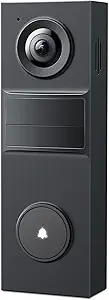 |
| Best Budget The cheapest option that still gets the job done reliably | Orbitell M52 Video Doorbell |  |
| Top Rated A top-rated pick with lots of positive feedback | CBAOOO 2K Wireless Doorbell Camera |  |
| Most Popular A crowd favorite that many people choose with confidence | Blink Video Doorbell |  |
| Best Seller A high-volume bestseller chosen again and again | Ring Battery Doorbell 2K |  |
Ring Battery Doorbell

| Video coverage | Head-to-Toe video |
|---|---|
| Power | Built-in rechargeable battery |
| Charging port | USB-C |
| Live view | Yes |
| Two-way talk | Yes |
The Ring Battery Doorbell is a compact, wireless doorbell built for easy apartment installation and everyday monitoring. It records taller head-to-toe video to capture packages and visitors, provides Live View for on-demand streaming, and includes two-way talk so you can speak with people at the door from your phone. The unit has a built-in rechargeable battery that charges via the included USB-C cable so you can remove it to top up without rewiring. Motion alerts arrive on your phone and can be refined with Smart Alerts when paired with a Ring Protect subscription. Integration with Alexa lets compatible Echo devices announce visitors or display video on Echo Show screens. Limitations include the need to remove the doorbell to recharge the battery and reliance on a subscription for advanced video history and person/package detection features.
Best for: Apartment residents who want an easy-to-install, wireless doorbell that provides full-height video, real-time interaction, and simple smart home integration without permanent wiring.
Less Ideal for: People who need continuous, uninterrupted recording or on-device advanced detection without any subscription or who prefer a hardwired, maintenance-free solution.
- Head-to-toe video framing captures packages and full-height activity
- Built-in rechargeable battery with USB-C charging for cordless placement
- Live View and two-way talk let you check and communicate in real time
- Motion alerts with optional Smart Alerts improve notification relevance
- Works with Alexa for hands-free announcements and video display
- Advanced video history and person/package detection require a paid Ring Protect subscription
- Battery-powered design requires periodic removal and recharging
Verdict: An easy-to-install battery video doorbell that gives apartment dwellers taller video framing and simple Live View interaction.
Google Nest Doorbell (Battery)
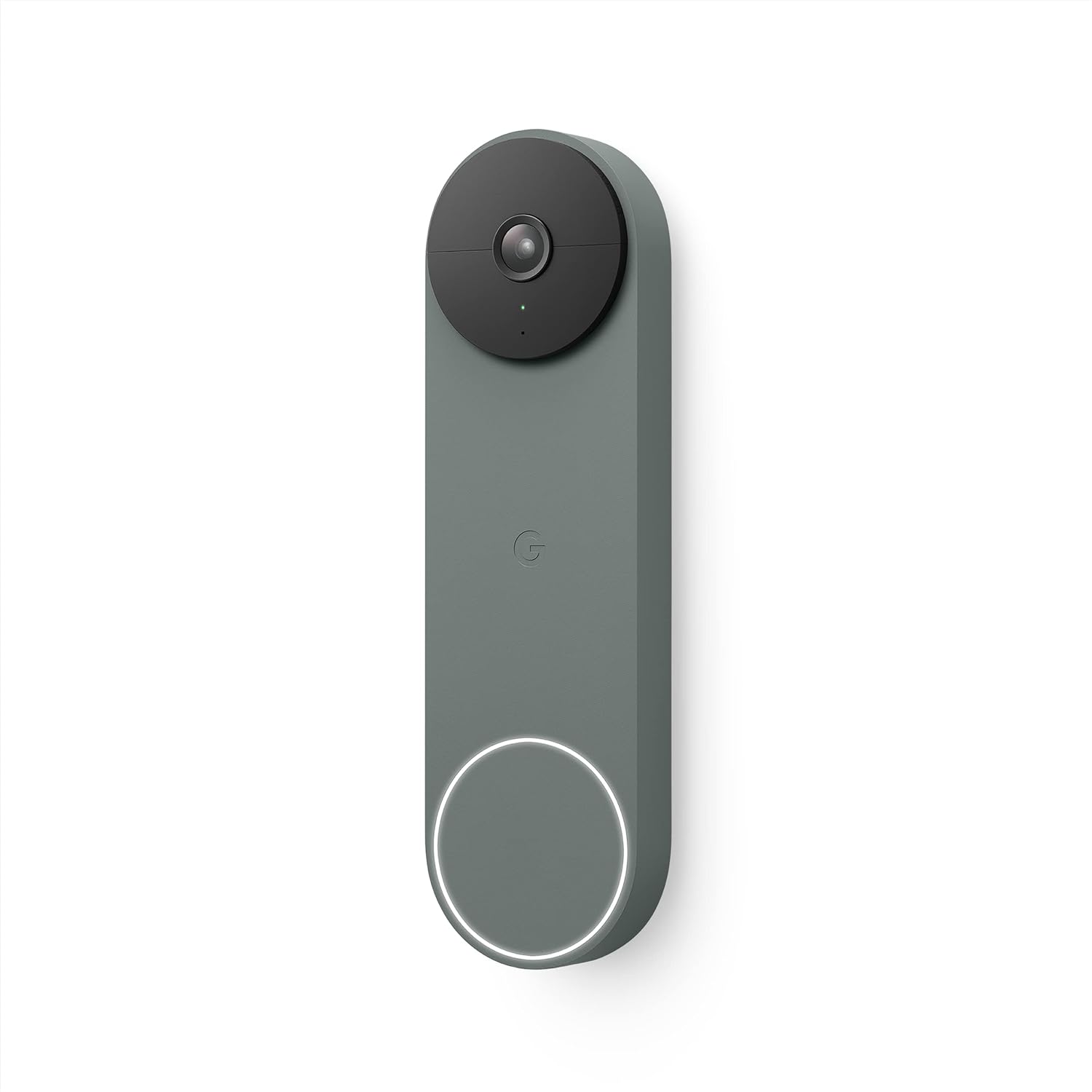
| Power Source | Battery Powered |
|---|---|
| Video Capture Resolution | 720p |
| Flash Memory Installed Size | 8 GB |
| Connectivity Technology | 802.11a/b/g/n/ac (2.4 GHz and 5 GHz) Wi‑Fi, Bluetooth |
| Night Vision | Night Color |
The Nest Doorbell (Battery) is a compact, battery-powered video doorbell designed for easy installation in apartments or rented units where wiring may be limited. It delivers a vertical 3:4 field of view with 720p HDR video and night color imaging, plus 6x digital zoom for closer looks on demand. The doorbell uses on-device intelligence to distinguish people, packages, animals, and vehicles and sends motion alerts to the Google Home app, where you can view live video, speak to visitors, or play preset responses. It stores three hours of free event video history and keeps up to one hour of footage locally if power or Wi-Fi drops, while optional Nest Aware subscriptions add extended cloud history. Practical compromises include 720p rather than 1080p continuous resolution and no 24/7 continuous recording on battery power, so it favors event-based monitoring over nonstop surveillance. For apartment users who want solid smart features, easy setup, and reliable alerts, the Nest Doorbell is a capable choice.
Best for: Someone renting or living in an apartment who needs an easy-to-install, smart event-focused doorbell with reliable alerts and tight Google Home integration.
Less Ideal for: Users who need full 24/7 continuous high-resolution recording or professional-grade surveillance should consider wired or higher-resolution systems instead.
- Battery-powered for wire-free installation in apartments
- Person/package/vehicle detection reduces false alerts
- Vertical 3:4 field of view captures head-to-toe and packages on the ground
- HDR and night color vision maintain usable image quality in bright contrast and low light
- Integrates with Google Home for live view, two-way talk, and smart display support
- Video capture resolution is 720p rather than higher-resolution 1080p
- Cannot record 24/7 continuous video when running on battery power
Verdict: A compact, apartment-friendly smart doorbell that prioritizes intelligent alerts and easy wire-free installation over nonstop high-resolution recording.
Tapo D205 Video Doorbell
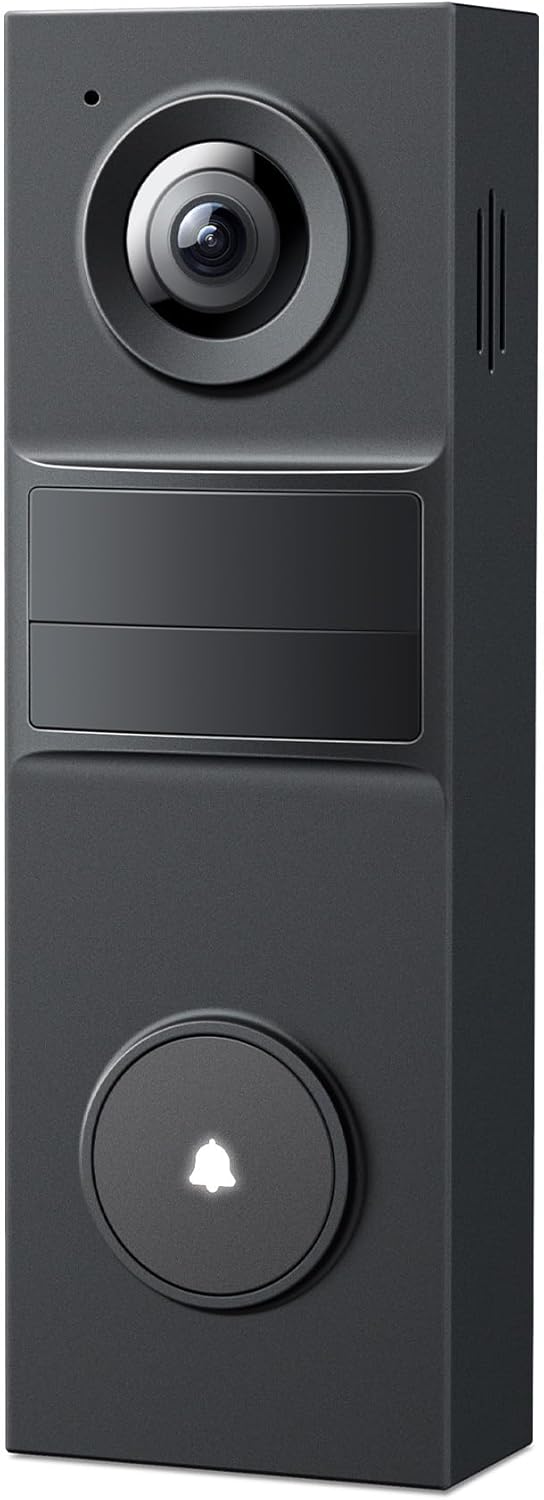
| Wireless Technology | Wi‑Fi 2.4Ghz only |
|---|---|
| Video Capture Resolution | 2K 3MP |
| Power Source | Battery Powered |
| Other Special Features | 2‑Way Audio, Motion Sensor, Night Vision |
The Tapo D205 is a wire-free video doorbell designed to give clear coverage of an entryway with 2K resolution and a 160° field of view. It runs on a built-in rechargeable battery and supports bottom USB-C charging or continuous outdoor power, which makes it easy to install in apartments without existing doorbell wiring. The camera uses AI person detection and customizable activity zones to reduce irrelevant alerts, and it offers two-way audio with a ring-call feature so your phone rings when someone presses the button. You can store clips locally on a microSD card up to 512GB or opt into Tapo Care cloud storage. Practical touches include IR night vision, weather resistance for outdoor mounting, a mounting wedge for angle adjustment, and compatibility with Alexa and Google Assistant for hands-free access. Expect typical battery-life variability based on recording and live-view use, and note the device only supports 2.4 GHz Wi-Fi and that the indoor chime is sold separately, which may limit some apartment setups.
Best for: Apartment residents who want a straightforward, wire-free doorbell that prioritizes clear video, flexible charging, and low-cost local storage without requiring wired installation.
Less Ideal for: People who need dual-band Wi-Fi support, an included indoor chime or hub, or guaranteed multi-month battery life under heavy recording and frequent live-view use.
- Sharp 2K video and 160° field of view capture broad entry areas with good detail
- Built-in rechargeable battery with USB-C charging allows wire-free installation
- AI person detection and customizable activity zones cut down false alerts
- Supports local microSD storage up to 512GB with optional cloud backup
- Works with Alexa and Google Assistant for hands-free control
- Only compatible with 2.4 GHz Wi-Fi, which can limit connectivity in some networks
- Indoor chime and some hub features require additional accessories
- Actual battery life varies significantly with recording and live-view usage
Verdict: A practical wire-free doorbell for apartments that delivers high-resolution, wide-angle video and flexible local storage without needing existing doorbell wiring.
Orbitell M52 Video Doorbell
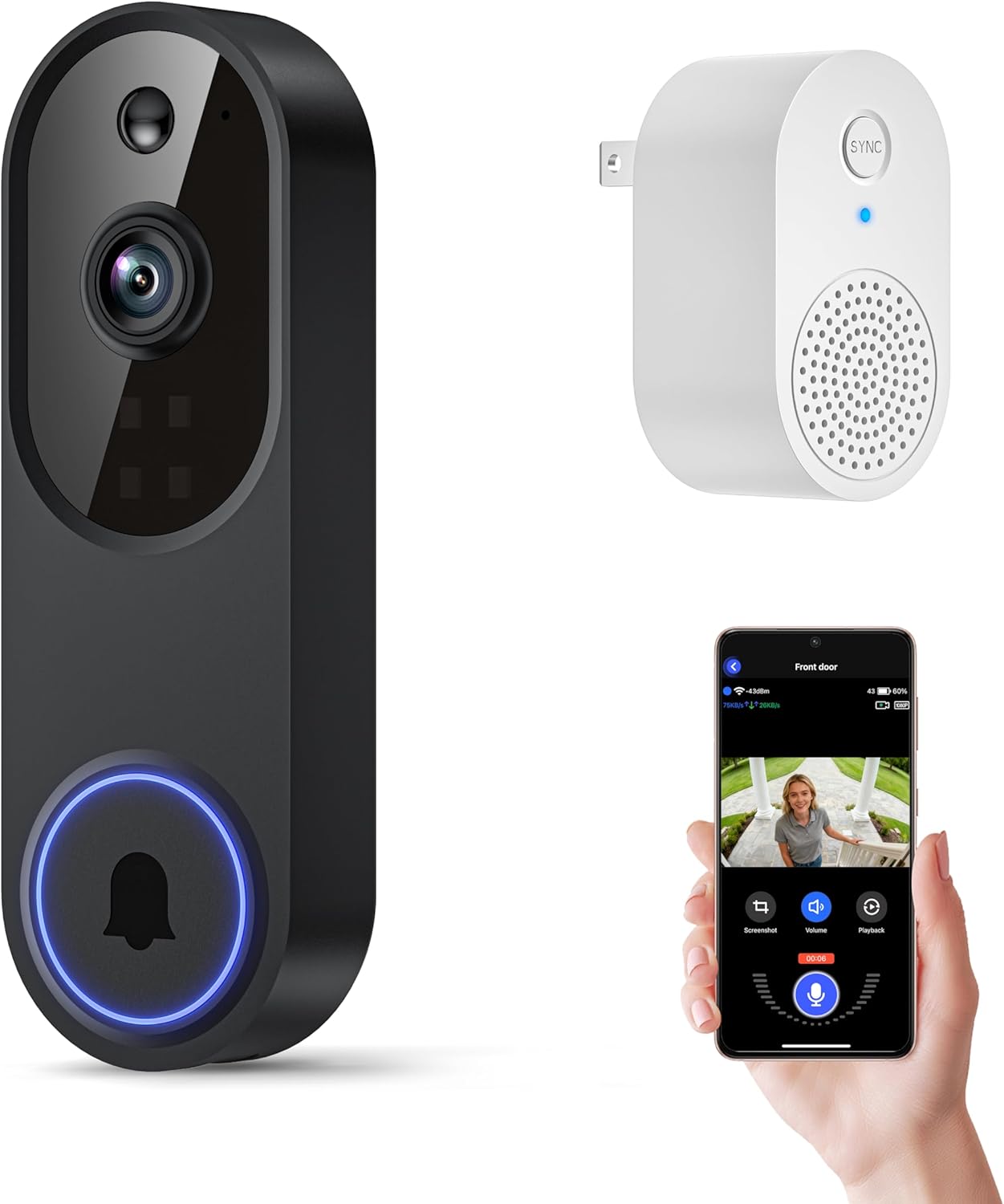
| Video resolution | 1080p |
|---|---|
| Connectivity | 2.4GHz Wi‑Fi |
| Special features | 2-Way Audio, Motion Sensor, Night Vision |
| Weather resistance | IP65 |
The Orbitell M52 is a battery-powered wireless doorbell camera designed for straightforward apartment and entryway monitoring. It streams 1080p video to a smartphone app over 2.4GHz Wi‑Fi, sends instant motion alerts, and lets you speak with visitors via two-way audio. The unit uses AI motion filtering to reduce false alerts from animals and cars and offers color-capable night vision from multiple infrared LEDs for clearer low-light footage. Cloud storage is available with AES-128 encryption and pre-capture recording if you subscribe, but the camera does not support local SD recording. Setup and daily use center on the app, and the M52 can be recharged via the included micro-USB cable; Orbitell recommends a full charge before first use and keeping the device near the router during setup. For apartment users the weather-resistant build and wide field of view cover common entry areas, though reliance on 2.4GHz Wi‑Fi and a cloud subscription for recordings are practical limitations to consider.
Best for: Practical apartment dwellers who want an affordable, app-driven doorbell camera to monitor their doorstep and communicate with visitors without a complicated wired install.
Less Ideal for: People who need local, subscription-free recording or who require 5GHz Wi‑Fi support for their home network should look elsewhere.
- 1080p live video with AI-powered person detection to reduce false motion alerts
- Two-way audio for direct communication with visitors
- Color-capable night vision and multiple infrared LEDs for improved low-light clarity
- Weather-resistant IP65 design suitable for outdoor mounting
- Rechargeable battery with simple micro-USB charging and app-based setup
- Does not support local SD-card recording; recordings require cloud subscription
- Works only on 2.4GHz Wi‑Fi which may restrict placement in some apartments
Verdict: A budget-friendly wireless doorbell camera that gives apartment users solid 1080p monitoring, two-way audio, and AI motion filtering in a simple, app-led package.
CBAOOO 2K Wireless Doorbell Camera

| Power Source | Battery Powered |
|---|---|
| Battery Capacity | 4500 milliamp_hours |
| Battery Average Life | 40 days |
| Video Capture Resolution | 2k |
| Waterproof Rating | IP65 |
This battery-powered doorbell camera delivers clear 2K video, human-motion detection, two-way audio, and up to 40 days of standby on a single charge, making it a practical choice for apartment entry monitoring. It connects to 2.4 GHz Wi-Fi and streams H.264 video at 15 fps to a smartphone app where encrypted cloud storage can be enabled with a subscription. The unit offers color night vision up to about 10 feet, digital zoom, and instant push alerts when people are detected, which reduces false alarms from other motion. Installers can mount it with screws or use the included 3M adhesive for a no-drill option, and the IP65 rating means it stands up to rain and dust at exterior entry points. Limitations to note are the 15 fps frame rate, which is lower than some premium models, and reliance on a subscription for cloud playback; local storage options are not mentioned. For renters and homeowners who prioritize straightforward, weatherproof monitoring with long battery life, this doorbell covers the essentials without complex wiring.
Best for: Buyers who need a reliable, low-maintenance doorbell camera for apartment entryways and value long battery life, weatherproofing, and clear daytime and low-light video without running wiring.
Less Ideal for: Users who require the highest frame rates, built-in local storage, or advanced smart-home integrations should consider other models with those specific features.
- 2K video resolution with color night vision for clearer facial detail
- Long battery life advertised up to 40 days per charge
- Human detection and instant mobile push alerts to reduce false notifications
- IP65 weather resistance suitable for outdoor apartment entry installation
- Choice of screw mount or traceless 3M adhesive for easy, renter-friendly installation
- Video frame rate is 15 fps, which can make fast motion look less smooth
- Cloud playback requires a paid subscription and local storage is not specified
Verdict: A straightforward, weatherproof battery doorbell camera with long standby life and reliable human-detection alerts well suited for apartment entry monitoring.
Blink Video Doorbell

| Battery life | Up to two years |
|---|---|
| Power | Three AA Energizer lithium batteries (included) |
| Video | Head-to-toe HD with infrared night vision |
| Included | Sync Module Core and mounting kit |
The Blink Video Doorbell is a second-generation, battery-first smart doorbell designed for simple, mostly wireless installation in small homes and apartments. It records head-to-toe HD video with infrared night vision, offers two-way talk through the Blink app, and can run up to two years on three included AA Energizer lithium batteries when paired with the included Sync Module Core. Setup is straightforward: mount wire-free or connect to existing doorbell wiring to make the chime sound inside the home, and a corner mount is provided for angled views. The product leans on cloud features and optional subscription tools for person detection and stitched event clips, and it integrates with Alexa for voice control. Practical benefits for apartment dwellers include long battery life that reduces maintenance, clear day/night video for package and visitor checks, and an included sync module to simplify local connectivity. Limitations are reliance on Blink subscription features for advanced detection and cloud storage and the need to replace batteries when they deplete despite the long life claim.
Best for: Apartment residents who want a low-maintenance, wire-free doorbell with long battery life and clear day/night video for monitoring entryways and deliveries.
Less Ideal for: Users who need robust local storage or expect full feature access without a subscription should consider alternatives with native on-device recording and richer free features.
- Up to two years of battery life on three included AA Energizer lithium batteries when used with the Sync Module Core
- Head-to-toe HD video with infrared night vision for 24/7 monitoring
- Includes Sync Module Core and mounting kit for simpler setup and local connectivity
- Two-way talk and Alexa integration for remote answering and voice control
- Advanced person detection and stitched video features require a paid Blink subscription
- Relies on cloud storage for full functionality rather than extensive local storage options
Verdict: Choose this Blink doorbell if you want an easy-to-install, low-maintenance camera doorbell for an apartment that prioritizes long battery life and clear day/night video.
Ring Battery Doorbell 2K

| Video resolution | Retinal 2K |
|---|---|
| Zoom | Up to 6x Enhanced Zoom |
| Audio | Two-Way Talk |
| Power | Built-In Rechargeable Battery, USB-C recharge |
The Ring Battery Doorbell 2K is a wireless doorbell camera designed to give clear, flexible coverage for entryways where wiring is impractical. It captures Retinal 2K video with a wide field of view and an enhanced digital zoom up to 6x, letting you check faces or details at a distance. Typical use is wall- or door-mounted outside an apartment door or on a balcony, with motion alerts sent to your phone and live two-way talk for quick interactions. The unit runs on a rechargeable internal battery that you remove and top up via USB-C, avoiding the need for constant wiring. It integrates with Alexa for voice and Echo Show streaming, and supports event history and AI-enhanced alerts with an optional subscription. Limitations include reliance on a paid Ring Protect plan for advanced features and cloud video storage, and battery monitoring and occasional recharging are required depending on motion activity and settings.
Best for: Apartment residents who want an easy-to-install, wireless doorbell camera that delivers higher-resolution video and smart alerts without running new wiring.
Less Ideal for: People who need unlimited local video storage or continuous wired power should consider wired doorbell or security systems instead.
- Retinal 2K video provides sharper, more detailed footage than standard 1080p
- Up to 6x enhanced zoom for inspecting faces or distant details
- Rechargeable built-in battery removable for easy USB-C charging
- Real-time motion alerts and two-way talk for immediate interactions
- Works with Alexa devices for hands-free viewing and announcements
- Advanced features and cloud video history require a separate Ring Protect subscription
- Battery-powered operation requires periodic removal and recharging under heavy use
Verdict: A straightforward wireless doorbell camera that gives apartment dwellers higher-resolution video and easy USB-C battery charging for worry-free monitoring.
Choosing the Right Video Doorbell for Apartments: Key Factors to Consider
Installation Flexibility
Many apartments restrict modifications to doors or doorframes, so installation flexibility is crucial. Look for models that offer adhesive mounts, removable brackets, or screw-in plates that can be used with minimal drilling, plus clear instructions for restoring the surface when you move out.
A compatible mounting option reduces the need for landlord approval and simplifies setup. Also consider whether the unit supports both wired and battery operation so you can choose the method that fits your rental situation without permanent changes.
Power Options and Battery Life
Battery-powered video doorbells are popular with apartment dwellers because they avoid rewiring, but battery life varies and affects how often you must recharge or swap batteries. Check realistic runtime estimates based on motion event frequency rather than ideal conditions.
Some models offer fast charging or removable batteries for quick swaps. If you have access to a nearby indoor outlet, also consider plug-in chime adapters or low-voltage wiring compatibility that can supplement battery power and reduce maintenance.
Connectivity and Network Requirements
Reliable Wi-Fi is essential for live view, push notifications, and cloud uploads. Apartment layouts and shared internet equipment can cause weak signals at the entrance, so consider units with dual-band Wi-Fi support or Bluetooth-assisted setup.
If your building has a managed network or captive portals, ensure the device can connect under those conditions or that you can provide a dedicated network. Some doorbells also support local storage or LAN access to reduce dependence on cloud services and improve responsiveness.
Privacy and Data Controls
Privacy is often a top concern in multi-unit buildings. Look for clear options to control who can see footage, how long recordings are stored, and whether video is uploaded to third-party servers. Features like local storage, user access controls, and end-to-end encryption help limit exposure.
Also consider configurable motion zones and reporting features to reduce false captures of neighbors and common areas. Being able to disable recording during certain times or to mute audio will help you follow building policies and respect neighbor privacy.
Notification Speed and App Usability
Fast, reliable notifications let you respond to deliveries or visitors promptly. Evaluate how quickly the companion app pushes events, whether it supports multiple user profiles, and how easy the live view and playback controls are to use.
A well-designed app reduces false alarms by letting you customize motion sensitivity and notification types. Support for sharing temporary access with guests or roommates is useful in apartment situations with multiple occupants.
Physical Size and Mounting Footprint
Apartment entryways and doorframes can be narrow or have limited clearance, so a compact mounting footprint matters. Choose an unobtrusive profile that clears door trim and does not interfere with peepholes or existing hardware.
Low-profile units are less likely to draw attention or be accidentally bumped. Also check whether the design includes tamper-resistant screws or secure mounting to prevent theft in ground-floor or external hallway locations.
Wired Versus Battery-Powered Choices
Deciding between wired and battery-powered models depends on how permanent you want the installation to be. Battery units are the easiest to install and remove, making them ideal for renters. Wired models can offer constant power and sometimes more reliable chime integration, but they often require landlord approval.
If you prefer a wired experience without invasive work, look for models that support low-voltage chime adapters or use existing doorbell wiring when available. For battery systems, check recharge options and whether the manufacturer provides removable batteries for quick swaps.
- Battery: simple install, periodic charging or swapping
- Wired: continuous power, potential chime integration
- Hybrid models: offer both for greater flexibility
Managing Privacy in Shared Buildings
In apartments, cameras can capture common areas or neighboring doors. Use motion zones and sensitivity settings to limit recordings to your immediate doorstep. Confirm whether the device offers local storage or encrypted cloud storage to control who can access footage.
Consider units that allow scheduled disabling of video or audio during specified hours. Clear, granular account permissions help if multiple household members need access while preventing unintended sharing with outside accounts.
- Use motion zones to avoid recording hallways
- Prefer encrypted storage or local-only options
- Schedule privacy modes when needed
Dealing with Signal and Network Limitations
Apartment layouts and distance from a Wi-Fi router can cause unreliable connections at the door. Placement tests during setup can reveal dead spots. If signal strength is weak, a mesh node, range extender, or placement of the router can help, but confirm compatibility before purchasing.
Some doorbells offer offline local storage or a low-bandwidth mode that reduces cloud dependence. If your building uses a managed or restricted Wi-Fi, check whether the device supports the necessary authentication or can operate on a separate network.
- Test Wi-Fi signal at the mounting point before final installation
- Look for dual-band support and low-bandwidth modes
- Verify captive portal or enterprise network compatibility if needed
Security Features That Matter
Beyond video clarity, security features include tamper detection, encrypted transmission, and secure user authentication. Tamper alerts can notify you if someone tries to remove the unit, and two-factor authentication reduces the risk of unauthorized access to footage.
Audit logs or device event histories help you review access and incident timing. Regular firmware updates are important, so choose devices with a solid track record of security maintenance.
- Tamper alerts and secure mounting options
- End-to-end encryption and two-factor authentication
- Regular firmware updates and audit logs
Integrations and Smart Home Compatibility
If you use smart home hubs or voice assistants, check whether the doorbell integrates with your existing ecosystem for routines and announcements. Integration can allow indoor chimes, automations, or linking with smart locks for a smoother entry experience.
However, integrations may increase complexity and require sharing data between services. Balance convenience with privacy and only enable the integrations you need.
- Look for straightforward integrations that add clear value
- Confirm required permissions and data sharing policies
- Test automations in a way that does not compromise security
How We Chose the Best Video Doorbell for Apartments
We focused on factors that matter specifically for renters and apartment living. Primary filters included noninvasive installation options, power flexibility, and clear privacy controls. We prioritized devices that can be wall- or door-frame mounted without hardwiring, or that offer battery operation and secure wireless connections. Usability tests centered on motion detection accuracy, app responsiveness, and two-way audio clarity since these affect daily reliability in shared-entry settings. We also screened for privacy and data handling features such as local storage options, user-access controls, and the ability to disable cloud uploads. Durability and weather resistance were considered for exposed entryways, along with compact form factors that fit narrow doorframes and common apartment hardware. Exclusions: devices requiring substantial hardwiring changes, pro-only installation, or specialized electrical work were removed. The resulting list balances renter-friendly installation, dependable notifications, and privacy-conscious features.
Our full evaluation process is outlined in our review methodology.
FAQ
Can I install a video doorbell in an apartment without landlord approval?
Often you can install a battery-powered or adhesive-mounted doorbell without landlord approval, but rules vary. Check your lease and building policies; for any installation that permanently alters the door or wiring, you should get written permission.
Will a video doorbell work with my apartment Wi-Fi?
Most modern video doorbells work on common home Wi-Fi networks, but apartment layouts can create dead spots. Test signal strength at the door location and consider a mesh node or extender if coverage is weak.
How can I protect neighbor privacy when using a doorbell camera?
Use motion zones, reduced sensitivity, and scheduled recording windows to limit captures. Choose devices that offer local storage or encrypted cloud options and review sharing settings to restrict who can view footage.
What happens to the doorbell when I move out?
Battery-powered or adhesive-mounted units are usually removable and can be taken with you. If you used building wiring or installed a wired unit, plan to restore the door to its original condition or agree on the arrangement with your landlord.
Do video doorbells require a subscription?
Some features like cloud storage or extended event history often require subscriptions, while basic live view and instant notifications may be free. Choose a model that offers local storage or acceptable free features if you want to avoid recurring fees.
Final Verdict
For apartment living, prioritize flexible installation, robust privacy controls, and reliable connectivity. Battery or hybrid models minimize permanent changes, while good motion controls and encrypted storage protect neighbor privacy. Balance battery life with the level of monitoring you need, and confirm network compatibility before installing. Choose a video doorbell that matches your building rules and daily habits rather than chasing every feature. That approach will give you dependable entry monitoring with minimal hassle and clear privacy safeguards.