
Note: This article contains affiliate links. If you click on these links and make a purchase, we may earn a small commission at no extra cost to you. This helps support our research and content. Read our full affiliate disclosure here.
Picking the right wireless thermal label maker matters because clear, durable labels speed organization and reduce mistakes in storage, shipping, and home projects. A well-chosen unit saves time by printing quickly, connecting reliably to phones or computers, and producing labels that resist smudging and fading. This guide covers seven shortlisted Wireless Thermal Label Makers across common home and small-office needs. We evaluated connectivity, print quality, label durability, and ease of use so you can find a model suited to your workflow. Read on for a concise breakdown of the factors we used and practical guidance to match a label maker to your tasks.
Top Picks at a Glance
| Best Overall The best all-around choice for most situations | KNAON Y813BT Thermal Label Printer |  |
| Best Quality Built to a higher standard if you want something more solid | Rollo Wireless Label Printer X1040 |  |
| Best Value The sweet spot between price and what you get | NULLTONEX Y813 Thermal Label Printer |  |
| Best Budget The cheapest option that still gets the job done reliably | NDYIN N12 Label Maker |  |
| Top Rated A top-rated pick with lots of positive feedback | NIIMBOT M2 Label Maker |  |
| Most Popular A crowd favorite that many people choose with confidence | Nelko P21 Label Maker |  |
| Best Seller A high-volume bestseller chosen again and again | Phomemo D30 Label Maker |  |
KNAON Y813BT Thermal Label Printer
| Print Resolution | 203 dpi |
|---|---|
| Maximum Media Size | 4.2 inches |
| Printer Connectivity Type | Bluetooth |
| Compatible Devices | Laptops, PC, Smartphones, Tablets |
| B&W Pages per Minute | 60 pages_per_minute |
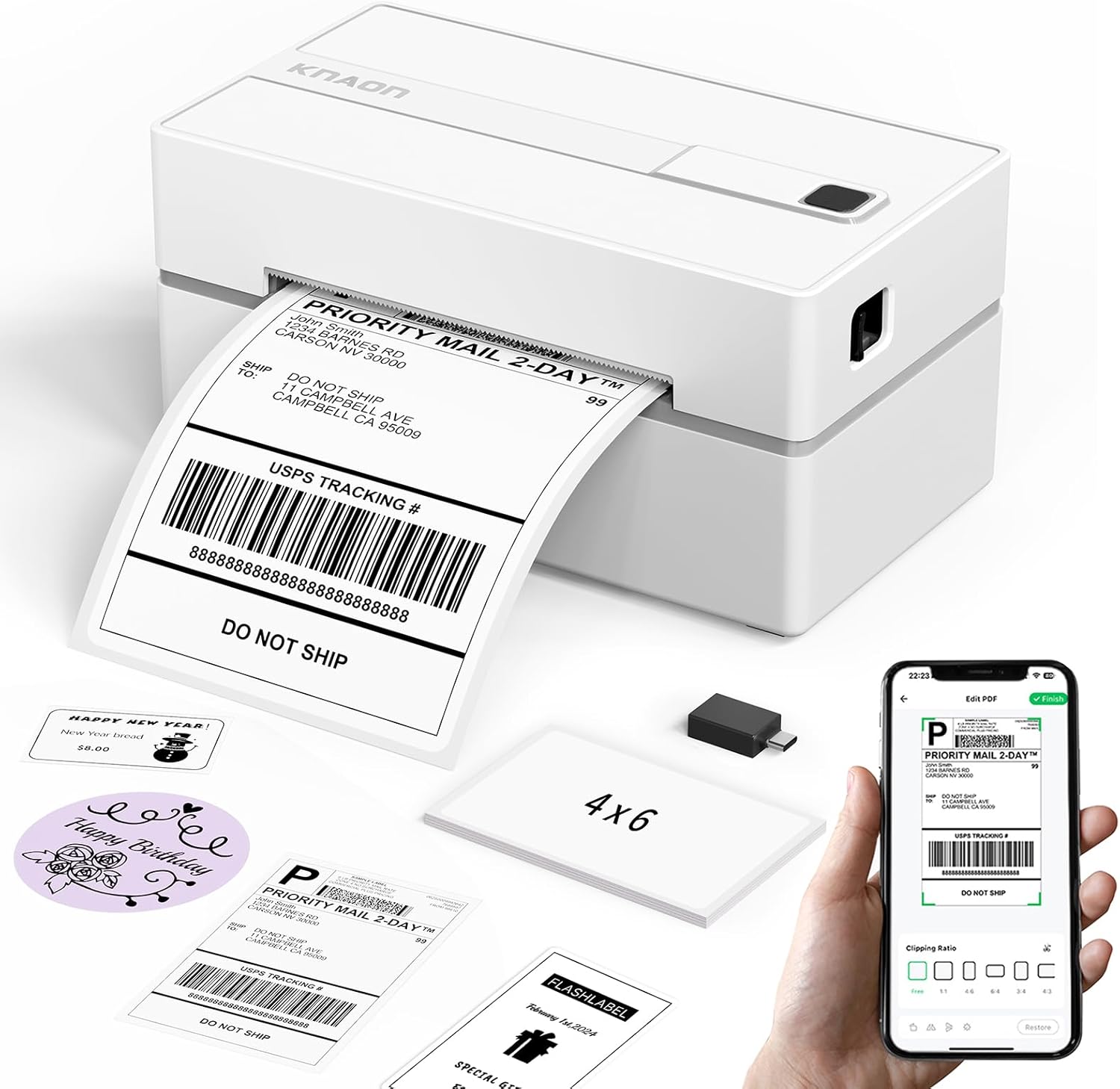
The KNAON Y813BT is a small thermal label printer built for shipping and light office labeling tasks. It connects via Bluetooth for printing from the vendor app on iPhone and Android and also supports USB connection to Windows, macOS, ChromeOS, and Linux with drivers included on a built-in USB drive. The unit handles label widths up to about 4.2 inches and prints at a modest 203 dpi resolution with a quoted top speed that suits batch shipping jobs. The companion FlashLabel Pro app provides hundreds of templates, icons, and fonts so you can design shipping, barcode, price, and thank-you labels on a phone before sending them to the printer. Practical benefits include inkless thermal printing, a compact footprint that fits on a small desk, and included starter label papers and cables for fast setup. Expect straightforward use for small businesses or home sellers, though advanced enterprise integrations or native platform printing from every web interface require the app workflow and occasional driver installs on desktop systems.
Best for: Buyers who need a compact, easy-to-run label printer for shipping and small-batch labeling and who prioritize wireless phone printing and quick template-based design.
Less Ideal for: Large warehouses or heavy-volume shippers needing enterprise integrations or very high-resolution label printing should look at more robust industrial printers.
- Bluetooth and USB connectivity for phone and computer printing
- Supports label widths up to 4.2 inches for standard 4×6 shipping labels
- Inkless thermal printing eliminates toner or ink cartridges
- FlashLabel Pro app with many templates, icons, and fonts for quick label design
- Includes starter label papers, cables, and drivers for easy setup
- Requires the FlashLabel Pro app or installed drivers for printing from many devices rather than native OS printing
- 203 dpi resolution is adequate for shipping but not for very high-detail graphics
Verdict: A compact, app-driven thermal label printer that delivers convenient Bluetooth and USB printing for small businesses and online sellers.
Rollo Wireless Label Printer X1040

| Printer Type | Thermal |
|---|---|
| Connectivity | USB, Wi-Fi |
| Print Resolution | 203 x 203 DPI |
| Paper Size | 4 x 6, 2 x 1 inches |
The Rollo Wireless (X1040) is a fast direct thermal label printer built for shipping workflows and small businesses that need volume and compatibility. It connects over Wi‑Fi with AirPrint for iPhone, iPad, and Mac and also supports Android, Windows, Chromebook, and Linux via network or USB, so printing from multiple devices is straightforward. The printer produces 4×6 labels at 203 dpi and can output one label per second, which keeps packing stations moving and yields clear, scannable barcodes. It runs inkless thermal media, reducing consumable costs, and the company highlights a long print-head life rated for hundreds of thousands of labels. Setup is simplified by the Rollo Ship Manager app and platform integrations for major carriers and marketplaces. Limitations to consider: it is a print-only, simplex unit without color printing and requires direct-thermal labels that can fade with heat or sunlight over time, and the 203 dpi resolution is adequate for shipping but not for highly detailed graphics or small-font product labels.
Best for: Buyers who prioritize fast, reliable shipping throughput and broad device compatibility for multi-user packing stations or small e‑commerce operations.
Less Ideal for: Those who need color labels, higher-resolution graphic printing, or archival labels that resist heat and sunlight should consider other label technologies.
- Wi‑Fi with AirPrint plus USB connectivity for printing from phones, tablets, and computers
- High throughput: approximately one 4×6 label per second to support busy packing lines
- Direct thermal, inkless printing lowers consumable costs and maintenance
- Works with major shipping platforms and includes a Ship Manager app for streamlined postage and label workflows
- Print-only simplex unit with no color or duplex capability
- Uses direct-thermal labels which can be prone to fading with heat or sunlight
- 203 dpi resolution is fine for shipping barcodes but not ideal for high-detail graphics
Verdict: Choose the Rollo Wireless X1040 when you need a fast, networked, inkless label printer that keeps shipping and packing operations moving.
NULLTONEX Y813 Thermal Label Printer

| Printer Type | Thermal |
|---|---|
| Maximum Media Size | 4 x 6 Inches |
| Resolution | 203 x 203 dpi |
| Printer Connectivity Type | Bluetooth, USB, wireless |
| Power Consumption | 24 watts |
The NULLTONEX Y813 is a small direct-thermal label printer built for shipping and high-volume label tasks without ink or toner. It prints 4×6 and other narrow labels at a 203 dpi resolution and up to about 72 labels per minute, which keeps packing stations moving. Setup is straightforward: pair over Bluetooth with the FlashLabel Pro mobile app or plug in via USB for a wired connection to a laptop or desktop, and the app supplies templates, fonts, and basic editing so you can generate waybills and barcode labels on the fly. The unit is compact and has built-in protections to handle long runs, and it ships with a small roll of labels and necessary cables. Limitations include monochrome-only output and a consumer-focused software workflow that may require driver installs for some Windows Bluetooth setups, so IT support might be needed in stricter office environments. For most small e-commerce sellers and busy home offices, it moves labels quickly and keeps ongoing costs low thanks to direct thermal printing.
Best for: Buyers who want a no-fuss, cost-efficient label printer for shipping or small-batch barcode work and value fast setup with mobile printing.
Less Ideal for: Those who need color printing, photo-quality labels, or enterprise-grade managed printing features should look at higher-end or industrial label printers instead.
- Direct thermal printing removes the need for ink or toner, lowering operating cost and maintenance
- Bluetooth and USB dual connectivity for wireless mobile printing or a stable wired connection
- Compact, durable design with built-in printhead protection for extended runs
- 203 dpi resolution suitable for sharp barcodes and address labels
- Includes FlashLabel Pro app templates and fonts to create labels quickly
- Prints only in monochrome so no color labels or color logos
- May require driver installation and troubleshooting for some Windows Bluetooth configurations
Verdict: A fast, compact direct-thermal label printer that simplifies shipping and barcode workflows while keeping operating costs low.
NDYIN N12 Label Maker
| Printer Type | Thermal |
|---|---|
| Printer Connectivity Type | Bluetooth |
| Resolution | 203 x 203 dpi |
| Built-In Media | 1×180 pre-cut white labels (14×40 mm) |
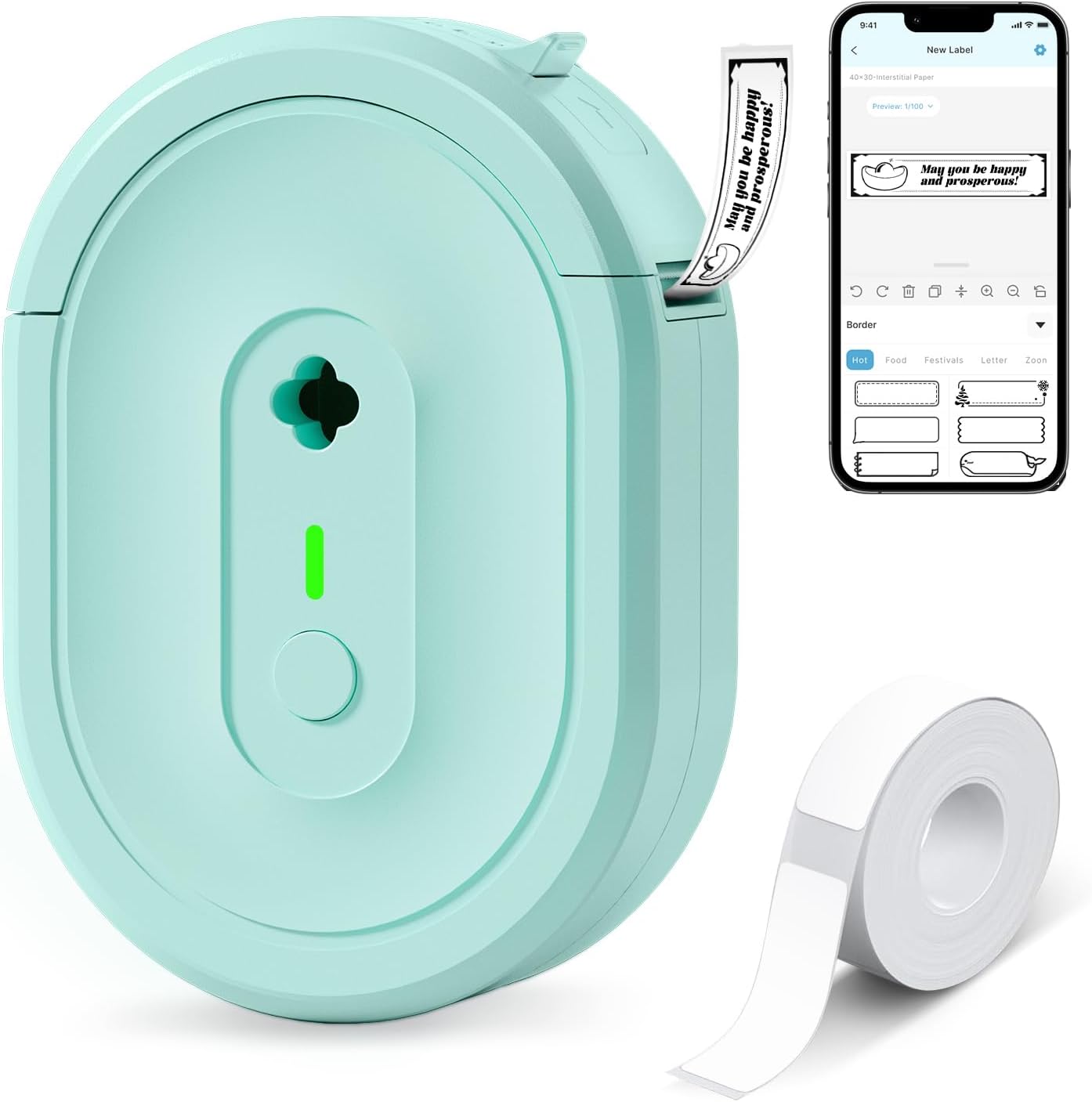
The NDYIN N12 is a portable Bluetooth thermal label maker designed for quick, low-cost label printing from iOS and Android devices. It connects to the free "Nada Print" app to access templates, fonts, symbols, and frames, then prints direct-thermal black text on pre-cut rolls included in the box. Typical uses include kitchen and pantry labeling, file and cable ID, small business price tags, and school name tags. The built-in rechargeable battery and inkless thermal printing keep running costs low, and the device ships with at least one roll of pre-cut labels and a charging cable. Print resolution is modest at 203 dpi, so labels are clear for text and simple barcodes but not for high-detail graphics. The printer only produces black-and-white output and relies on the mobile app for layout and size selection, so printing larger or uncommon label sizes requires compatible paper and app setup. For buyers wanting an inexpensive, easy-to-use wireless label maker for everyday organization, the N12 covers the essentials well.
Best for: Buyers on a tight budget who want a simple wireless labeler for home, classroom, or small-business organization and value low ongoing costs and app-based templates.
Less Ideal for: People who need high-resolution graphics, color printing, or specialized industrial labeling should consider more capable or commercial-grade printers.
- Direct thermal printing so no ink, toner, or ribbons are required
- Bluetooth connectivity with a companion app offering many templates, fonts, and symbols
- Built-in rechargeable battery for portable use
- Includes pre-cut label roll and charging cable to start labeling right away
- Print resolution (203 dpi) limits fine-detail graphics and photo-quality prints
- Prints only black-and-white, no color output
Verdict: An affordable, battery-powered Bluetooth thermal label maker that keeps running costs low while handling everyday home and small-business labeling tasks.
NIIMBOT M2 Label Maker

| Print resolution | 300 x 300 dpi |
|---|---|
| Printer type | Thermal transfer |
| Maximum media size | 2inch |
| Connectivity | Bluetooth, USB |
| Included media | 50×30mm label roll and black ribbon |
The NIIMBOT M2 is a thermal transfer label maker built for durable, long-lasting stickers rather than short-lived direct thermal prints. It connects to phones over Bluetooth and to PCs via USB (driver required) and uses a ribbon plus label roll to produce high-contrast, waterproof and freeze-resistant labels suitable for inventory, refrigeration, cables, jewelry tags and laboratory use. The 300 x 300 dpi engine and support for colored ribbons let you print sharp text, icons, barcodes and small graphics, and the NIIMBOT app offers templates, batch printing and offset adjustments to speed repetitive tasks. The machine ships with one ribbon and a roll of 50×30 mm labels and can auto-recognize media size and rewind paper to reduce waste. Expect a slightly steeper setup on Windows because of driver installation and occasional tweaking of print density or label templates for perfect alignment, but once configured it delivers consistent, fade-resistant results that outlast direct-thermal labels in harsh conditions.
Best for: Buyers who prioritize durable, long-term labels for business or lab environments and want a wireless workflow that produces consistent, archival-quality prints.
Less Ideal for: If you need a lowest-cost, occasional labeler for transient receipts or one-step plug-and-play PC printing without drivers, a simple direct-thermal or USB-only unit is a better fit.
- Thermal transfer printing produces waterproof, oil-proof, fade-resistant labels that survive extreme temperatures.
- 300 x 300 dpi resolution for sharp text, barcodes and small graphics.
- Bluetooth mobile printing plus USB connection for PC gives flexible workflows.
- Supports color ribbons for multi-color labels and automatic media recognition to reduce waste.
- NIIMBOT app includes templates, batch printing, barcode/QR support and basic image insertion.
- Requires ribbon plus label consumables which adds ongoing cost and occasional setup.
- PC use requires driver installation which can complicate initial setup on Windows.
- Compatible only with M2-series thermal transfer labels, limiting third-party media options.
Verdict: Choose the M2 when you need wireless printing that produces durable, high-resolution labels built to withstand harsh environments.
Nelko P21 Label Maker
| Printer Type | Thermal |
|---|---|
| Printer Output Type | Monochrome |
| Resolution | 203 x 203 DPI |
| Printer Connectivity Type | Bluetooth |
| Hardware Interface | USB Type C |
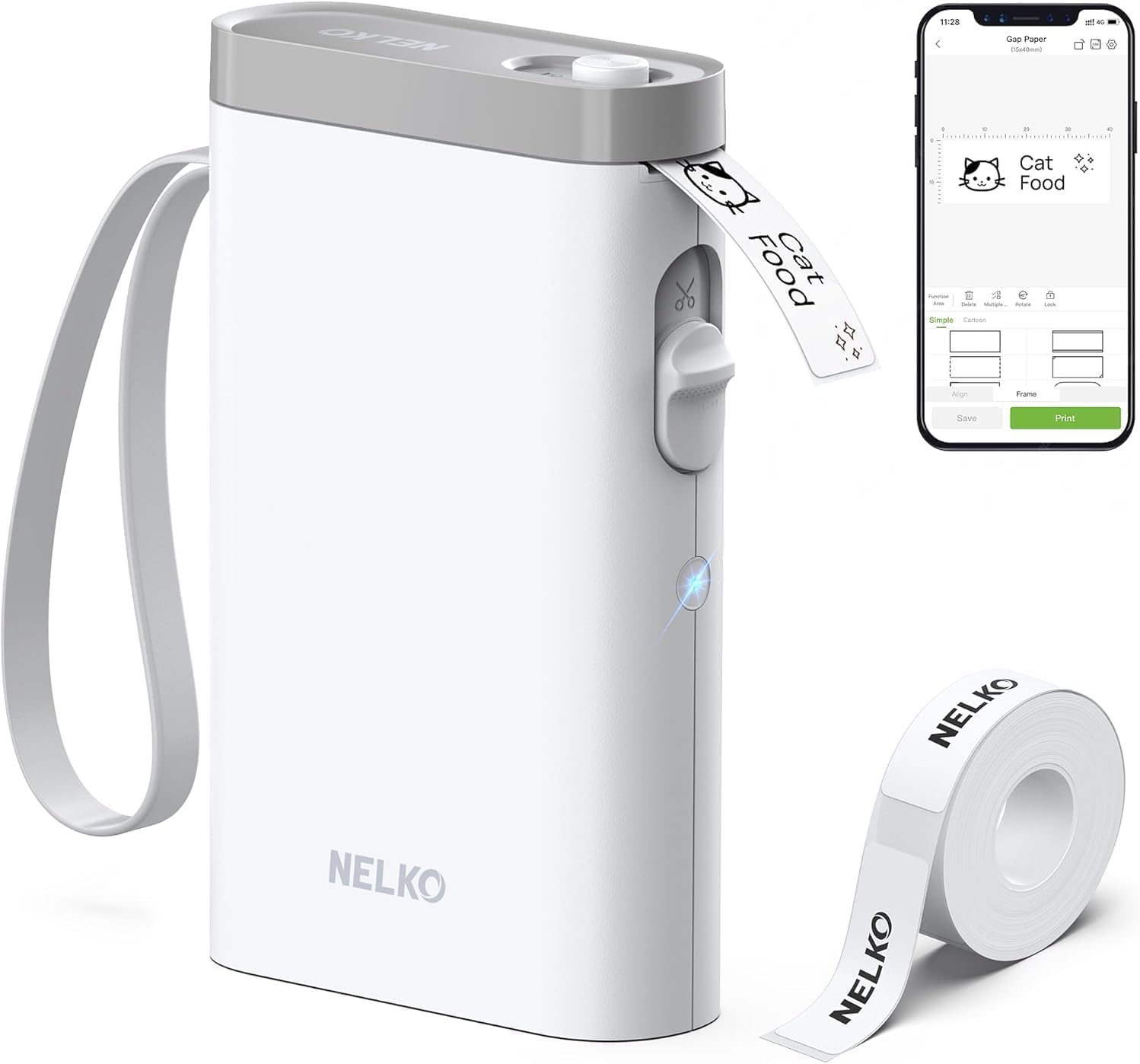
The Nelko P21 is a pocketable Bluetooth thermal label printer designed for quick, app-driven label creation. You use it by installing a compatible roll of thermal tape, pairing the device with the Nelko smartphone app, designing a label from templates or custom text and graphics, then printing from your phone via Bluetooth. The unit relies on 203 DPI direct thermal printing, so output is clear for text, barcodes, and QR codes without ink or toner, and a built-in cutter trims labels cleanly. The app adds value with many templates, borders, and icons, plus image and barcode support, but the printer is mobile-only and requires the app for setup and printing. Battery is rechargeable via USB-C, and Nelko bundles a starter roll of tape. Limitations include monochrome-only output unless you use patterned tape, no computer support, and reported incompatibility with some Android 14 phones, so check app compatibility before buying for larger deployments.
Best for: Buyers who want an inexpensive, app-driven portable label printer for organizing home, classroom, or small business items and who rely on a smartphone-first workflow.
Less Ideal for: Users who need a desktop or computer-connected label printer, full-color printing, or guaranteed compatibility with every Android 14 device should look elsewhere.
- Portable, lightweight design that fits in a pocket for on-the-go printing
- 203 DPI thermal printing produces sharp monochrome text, barcodes, and QR codes without ink
- Bluetooth pairing and a smartphone app with many templates and icons simplify label design
- Built-in rechargeable battery and USB-C charging for convenient power
- Includes starter roll of Nelko thermal tape and an integrated cutter for clean labels
- Requires the Nelko smartphone app for all setup and printing, with no computer support
- Not fully compatible with all Android 14 devices according to the product notes
Verdict: A lightweight, phone-first thermal label maker that delivers sharp monochrome labels and easy template-driven design for home, classroom, and small business organization.
Phomemo D30 Label Maker

| Printer Type | Thermal |
|---|---|
| Printer Connectivity Type | Bluetooth |
| Hardware Interface | Bluetooth 4.0, USB Type C |
| Print Resolution | 203 dots_per_inch |
| Maximum Media Size | 0.55 inch |
The Phomemo D30 is a pocket-size Bluetooth thermal label maker that uses an app on iOS or Android to design and print monochrome labels on a variety of pre-cut and continuous thermal tapes. You connect over Bluetooth, pick a template or build a design in the Print Master app, then send single labels to the device for instant, inkless printing. The D30 is aimed at home, classroom and small-business tasks — it handles name tags, cable and pantry labels, price tags and simple QR/barcode prints. Notable features include a German thermal print head for sharper text, USB-C charging, and support for creative patterned tapes so you can get color effects without color printing. Because it prints only black text and relies on specific tape widths, layout requires choosing the correct paper size in the app and occasionally trimming or repositioning labels. The unit is highly portable and cost-effective over time thanks to inkless thermal printing, but users who need full-color output or wider media options should consider other printer types.
Best for: Buyers who want a simple, low-maintenance wireless label maker for home, classroom, or small business organization and who prioritize portability and predictable long-term running costs.
Less Ideal for: Users who require full-color printing, wide-format labels, or high-volume batch printing should look at larger desktop label printers instead.
- Very compact and lightweight for on-the-go labeling
- Connects wirelessly via Bluetooth and controlled by the Print Master app
- Inkless thermal printing cuts ongoing costs and avoids ink or ribbon replacements
- Supports continuous and pre-cut tapes plus patterned tapes for decorative labels
- USB-C rechargeable battery with decent print clarity from a German thermal head
- Prints black text only so color must come from patterned tapes
- Requires selecting the correct tape size in the app to avoid offset prints
Verdict: A highly portable, app-driven thermal label maker that delivers reliable black-on-pattern labeling with very low operating costs.
Choosing the Right Wireless Thermal Label Maker: Key Factors to Consider
Wireless Connectivity and Compatibility
Wireless connection stability directly affects how often you can print without interruptions. Look for devices that support current Bluetooth versions or Wi-Fi standards commonly used on phones and laptops so pairing is straightforward.
Compatibility is more than a checklist item. Consider whether the label maker works with your phone operating system and whether it supports multiple simultaneous connections if multiple people will print. A unit with clear pairing steps and automatic reconnection will save time in daily use.
Print Resolution and Text Legibility
Higher print resolution produces sharper text and finer barcodes, which matters when you use small label widths or need dense information. Check the maximum dpi or sample output in the app to judge whether small fonts remain readable.
Also consider font options and sizing controls in the companion app or on-device interface. A model that can reliably render bold text, variable font sizes, and simple graphics will be more flexible for varied labeling tasks.
Label Media Options and Durability
Thermal labels come in different widths, adhesive types, and finishes. Choose a label maker that accepts commonly available media sizes and offers weather-resistant or laminated options if labels will see moisture or abrasion.
Durable labels reduce replacement frequency and protect printed information from smudging or fading. If you plan to label items stored outdoors or in humid environments, prioritize tape types rated for those conditions and check that the device prints clearly on them.
Ease of Use and Workflow Integration
A smooth printing workflow reduces friction. Evaluate how simple initial setup is, whether templates are available in the companion app, and how easy it is to import data like CSVs or address lists for batch printing.
Physical ergonomics also matter. A compact handheld design is better for on-the-go labeling, while a desktop-oriented unit with an upright feed may suit an office printing station. Consider battery life or power requirements to match your usage patterns.
Speed and Batch Printing Capability
If you frequently print many labels, print speed and the ability to queue jobs become important. Faster thermal heads and efficient wireless transfers cut down wait time when producing dozens of labels.
Look for features such as continuous feed, batch import, or repeat-print functions in the app to streamline larger tasks. For occasional single-label jobs, speed is less critical than reliability and quality.
Replacement Supplies and Operating Costs
Ongoing availability and cost of label rolls affect long-term satisfaction. Favor label makers that use widely sold tape sizes and adhesives so you can easily restock.
Consider whether specialized cartridges or proprietary media are required, since these can increase lifetime cost and complicate sourcing. Evaluate the total cost per roll against expected printing volume to estimate operating expenses.
How Thermal Printing Works
Thermal label makers create images by selectively heating coated paper or synthetic media. Direct thermal models require heat-sensitive labels and no ink, which simplifies maintenance but may have different durability characteristics compared with wax-resin or laminated outputs.
Understanding the tradeoffs helps when you decide between crisp short-term labels for indoor use and tougher labels for handling or exposure to moisture.
- Direct thermal: no ink ribbon, simpler media, good for short-term indoor labels
- Thermal transfer: uses ribbon for durable, long-lasting prints
- Media finish affects resistance to smudging and abrasion
Mobile App Features That Matter
The companion app is often the primary interface for wireless label makers. Look for apps with easy template creation, clear font controls, and a stable connection experience. Some apps offer cloud storage for templates and basic design tools that save time for repeat tasks.
Helpful app features include barcode generation, label previews, and batch import options. Check whether the app receives regular updates and whether reviews note persistent connection or crashing issues.
- Label templates and presets
- Batch import and CSV support
- Barcode and QR code generation
Best Use Cases for Wireless Label Makers
Wireless thermal label makers shine in scenarios where mobility and quick setup matter. They are ideal for labeling pantry items, office files, cables, and small shipments when you want to print from a phone or laptop without a wired connection.
For fixed, high-volume printing at a packing station, a desktop unit with wired options might be preferable. Consider how often you need to move the device and whether multiple people will print from different devices.
- Home organization and pantry labeling
- Small-office file and asset tags
- Event badges and temporary signage
Maintaining Your Label Maker
Routine maintenance keeps print quality consistent. Clean the print head and feed path per the manufacturer instructions and store unused label rolls in a dry place to prevent curling or adhesive degradation.
Replace worn parts such as feed roller components and use compatible media to avoid jams. Regularly update the companion app and firmware if updates are provided to maintain wireless compatibility.
- Clean print head gently with recommended swabs
- Store labels away from heat and humidity
- Use supported media sizes to prevent jams
Security and Privacy Considerations
When printing over Wi-Fi or Bluetooth, be mindful of network security. Use secure home or office networks rather than open public hotspots to limit unauthorized access.
If the app requests broad permissions, review them and disable unnecessary access where possible. For business environments, consider devices that support secure authentication and enterprise network standards.
- Prefer WPA2/WPA3 networks for Wi-Fi printing
- Limit app permissions to essentials
- Check for firmware updates that address security issues
How We Chose the Best Wireless Thermal Label Maker
We focused on attributes that matter for everyday labeling tasks to assemble this list of seven Wireless Thermal Label Makers. Important evaluation dimensions included wireless connectivity stability and range, because frequent pairing failures or short range makes a device frustrating for mobile use. We assessed print resolution and font handling to ensure text and barcodes remain legible at common label sizes. Label durability was judged by the thermal print method and available tape/media types to determine resistance to smudging, water exposure, and everyday wear. Usability factors such as setup complexity, mobile app quality, and on-device controls were also considered since a steep learning curve reduces practical value. We excluded devices that rely solely on obsolete connection standards or require specialized drivers that are not maintained. Units lacking replacement label media or with proprietary, hard-to-find tapes were deprioritized. Our selection emphasized models that balance consistent wireless performance, clear output, and straightforward operation for home and small-office users. The scoring criteria reflect these priorities and guided inclusion and ranking decisions.
Our full evaluation process is outlined in our review methodology.
FAQ
Can I use a wireless thermal label maker with both phones and computers?
Often yes. Many models support Bluetooth or Wi-Fi connections to phones and computers, but compatibility varies. Check that the device supports your operating system and that the companion app or drivers are available for the platforms you use.
How long do thermal labels last before fading?
Direct thermal prints can fade faster than thermal transfer outputs, especially under heat or sunlight. Lifespan depends on media quality and exposure conditions; use laminated or thermal-transfer labels for longer-term durability.
Do wireless label makers require special rolls or cartridges?
Some units use common tape sizes, while others require proprietary cartridges. Choosing a model that accepts widely available media makes restocking easier and often lowers operating costs.
Is print speed important for home use?
Speed matters mainly if you print many labels at once. For occasional labeling, reliability and print clarity are more important than raw throughput. If batch printing is frequent, prioritize faster units and app batch features.
How do I prevent label jams and feed problems?
Use the correct media size and follow loading instructions carefully. Keep the feed path clean and avoid folding labels during insertion. Regular maintenance and using recommended label types reduce jam risks.
Final Verdict
Choose a Wireless Thermal Label Maker by prioritizing the factors that match how you will use it. For mobile, on-the-go tasks, wireless reliability and app ease are most important. For longer-lasting labels or outdoor exposure, prioritize media compatibility and label durability. Balance speed, print resolution, and ongoing supply availability to find a model that fits your workload. With those tradeoffs in mind, you can narrow the options to one that reliably produces clear, durable labels and integrates smoothly with your devices.